VR Voyage
A 360-degree animated tour through Amsterdam as it looked in the 17th century.
01
The Brief
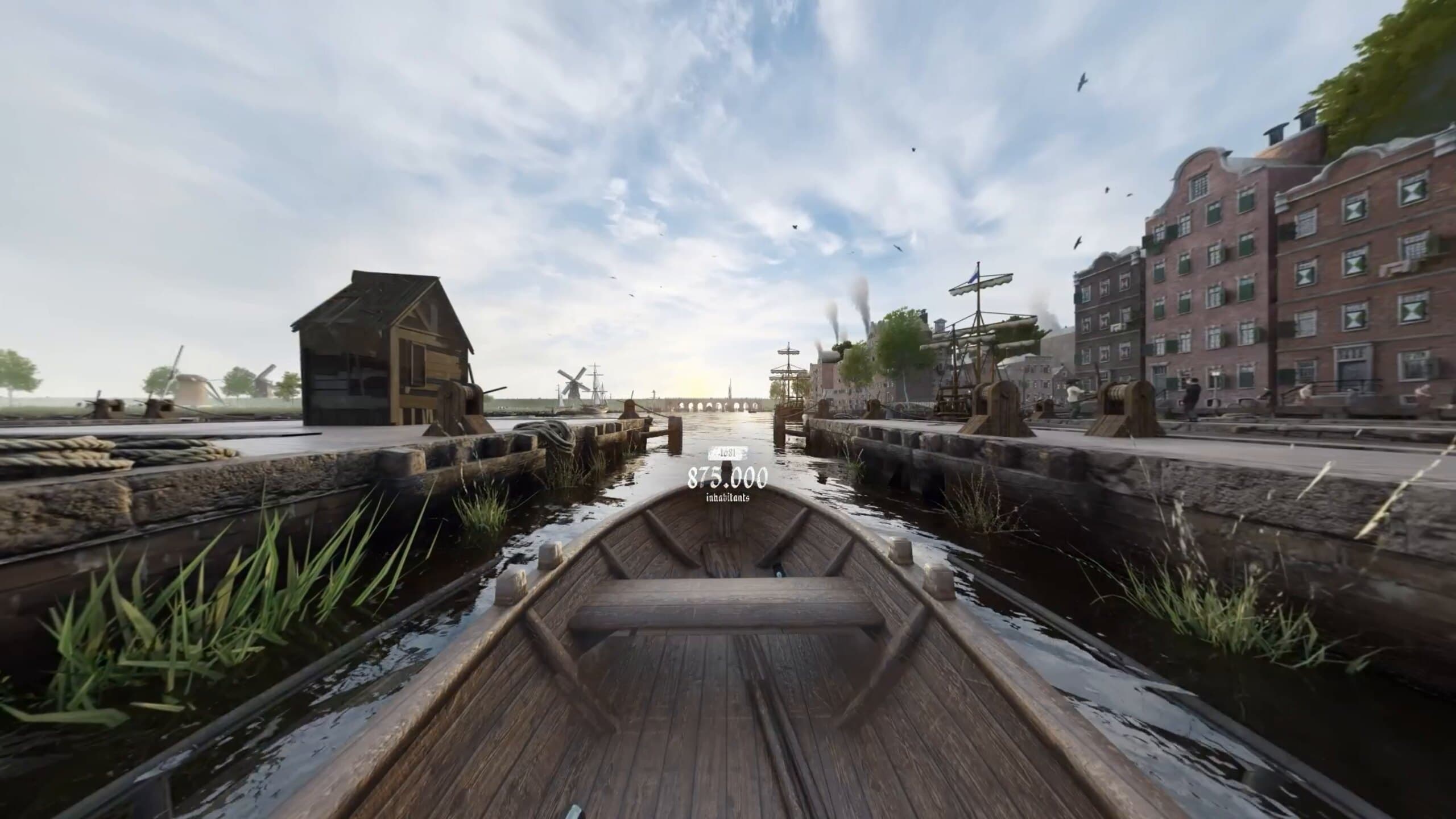
VR Voyage is a live boat tour through Amsterdam's canals where passengers put on VR headsets at 7 stops and see their exact surroundings as they looked around 1650. The goal was to recreate those 7 scenes in full 3D, at real-world scale, and as historically accurate as possible.
The core challenge was the 360-degree format. Unlike a film where the camera points one direction, VR means the viewer can look anywhere at any moment. Every corner of every scene had to be filled with believable, detailed 3D content. On top of that, the buildings still standing in Amsterdam today had to be modeled at their exact real-world positions and to their exact dimensions. The ones that no longer exist were reconstructed from old paintings and drawings.
The tour is designed for everyone: locals, tourists, young and old. Informative but not dry.
Fig. 02 · 360
The same windmills at sunset, lit low and warm.
Fig. 03 · 360 video
A 360 render of the harbor scene's anchored fleet of tall ships.
02
My Approach
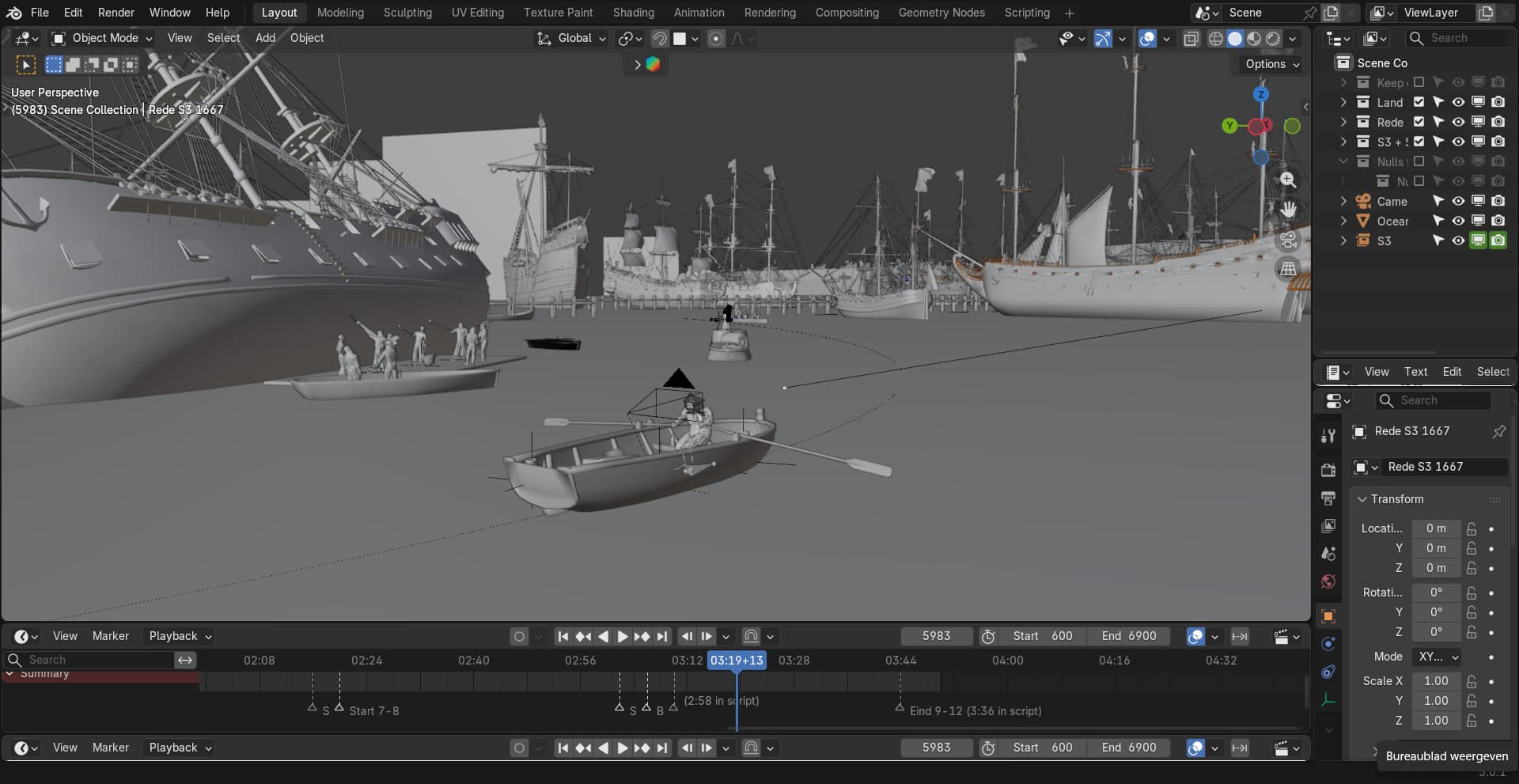
Before the full project started, I built a proof-of-concept scene and a set of renders to show what the experience could look like. Once that was approved, the real build began. I worked alongside some colleagues: I handled environment, scene layout, materials, ocean and water, geometry nodes setups, and the rendering pipeline. My colleagues focused on character creation, animation, and a procedural building generator.
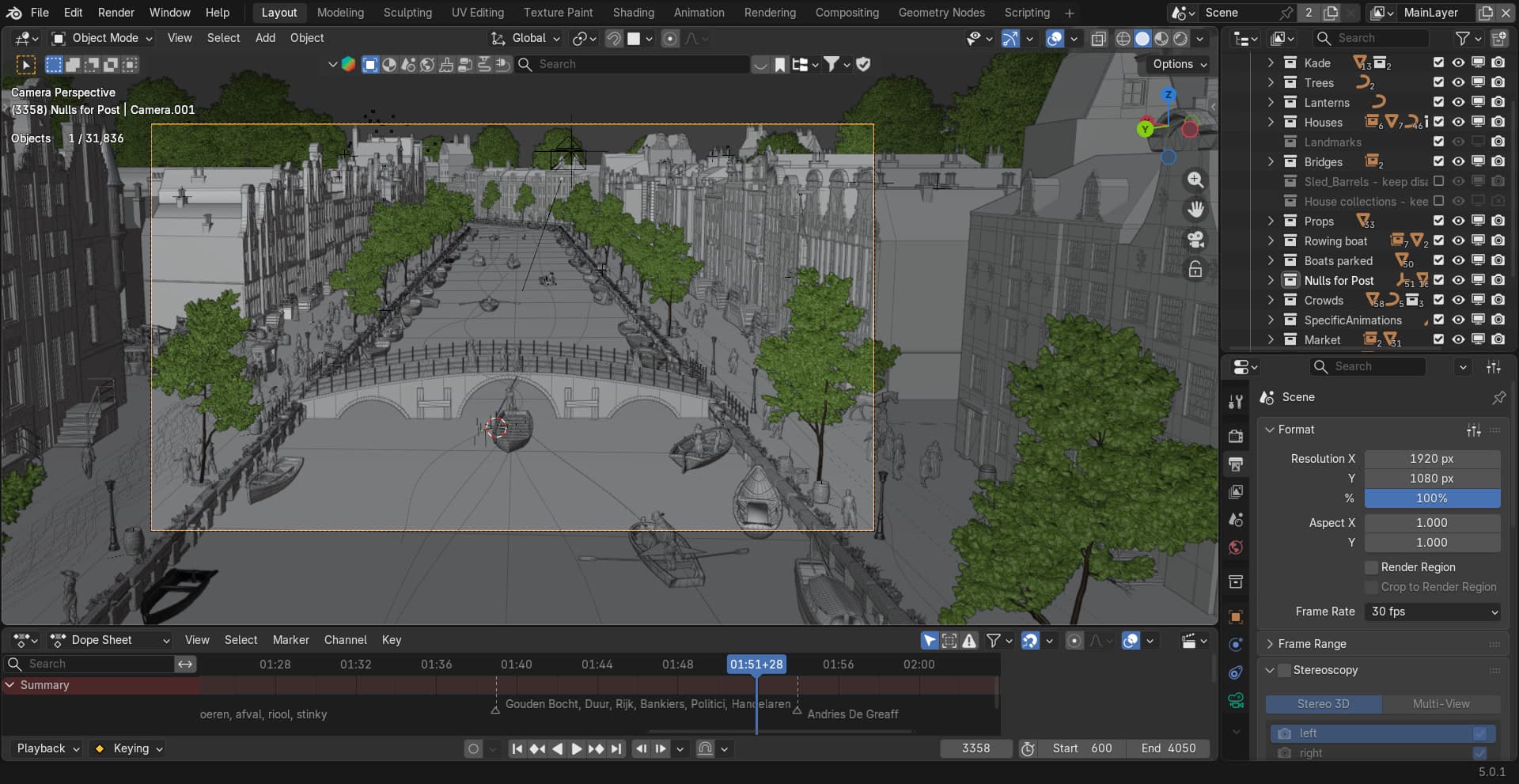
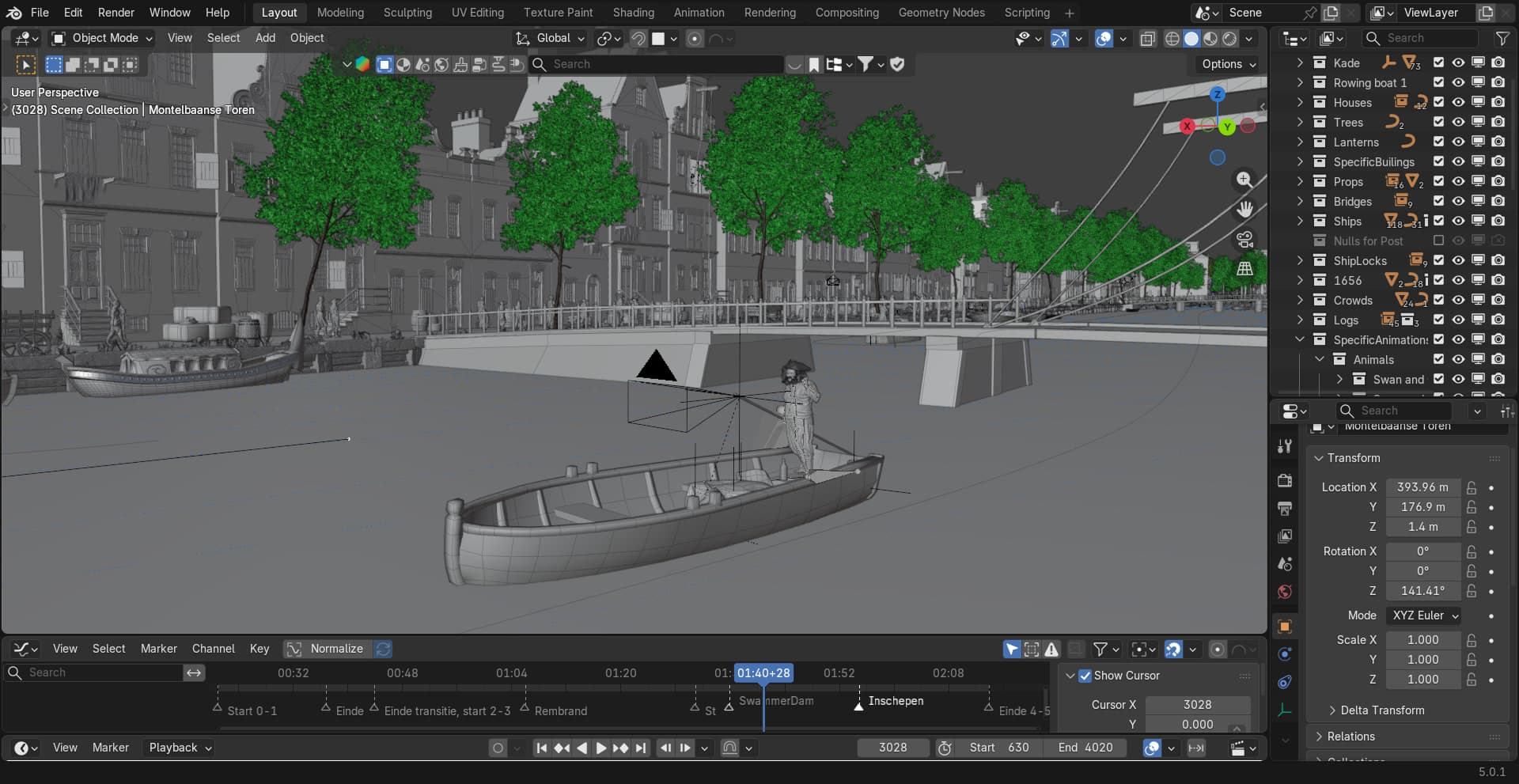
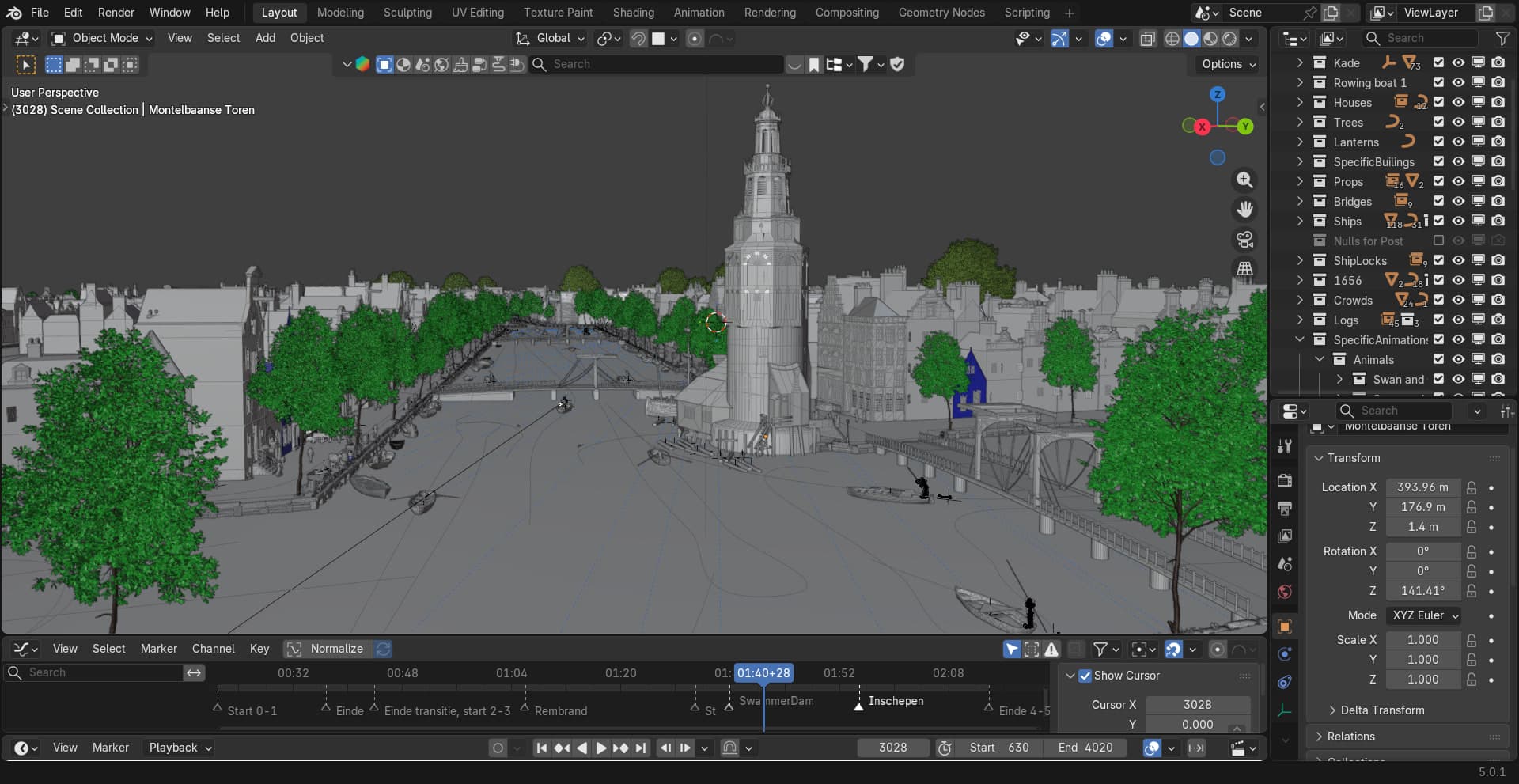
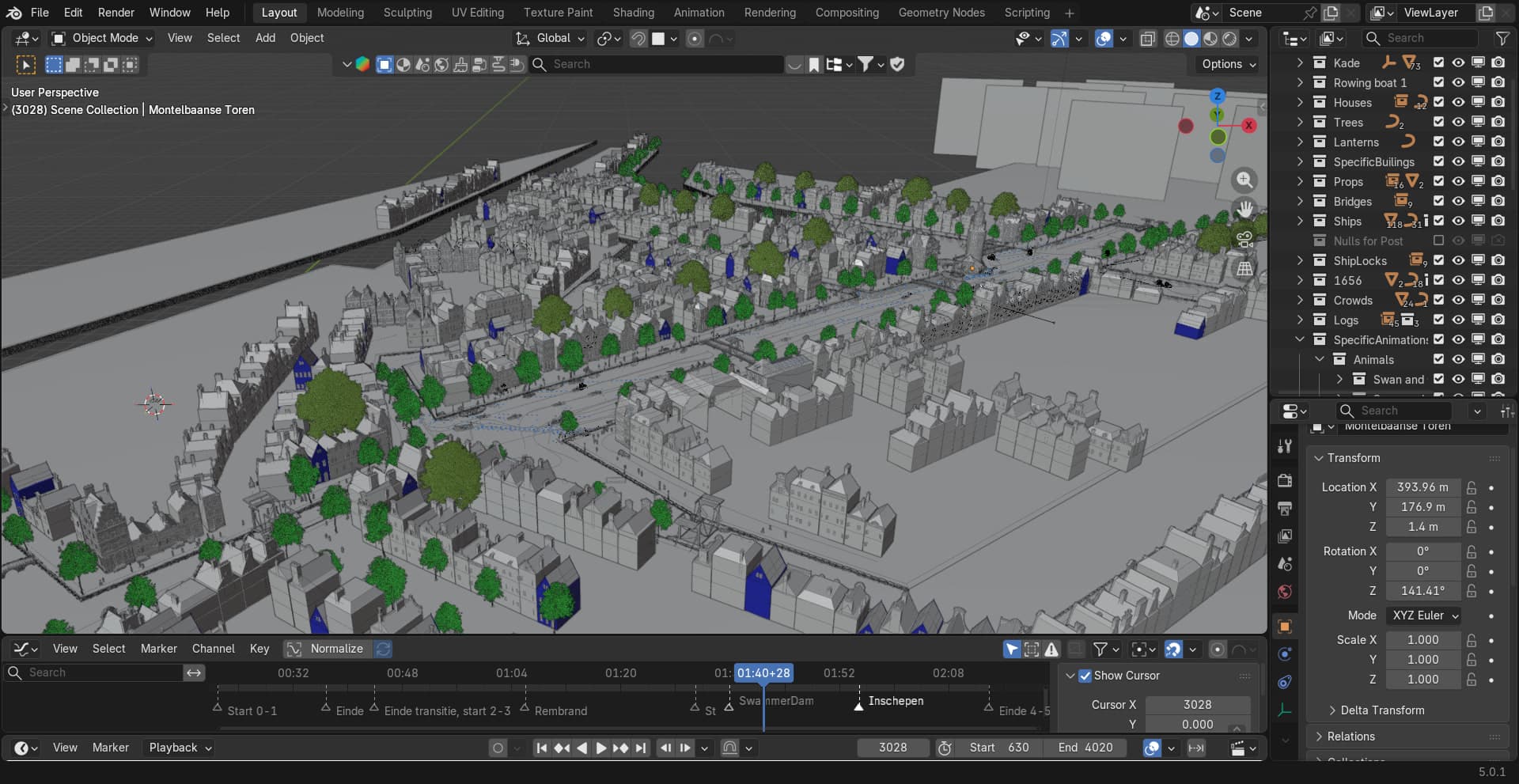
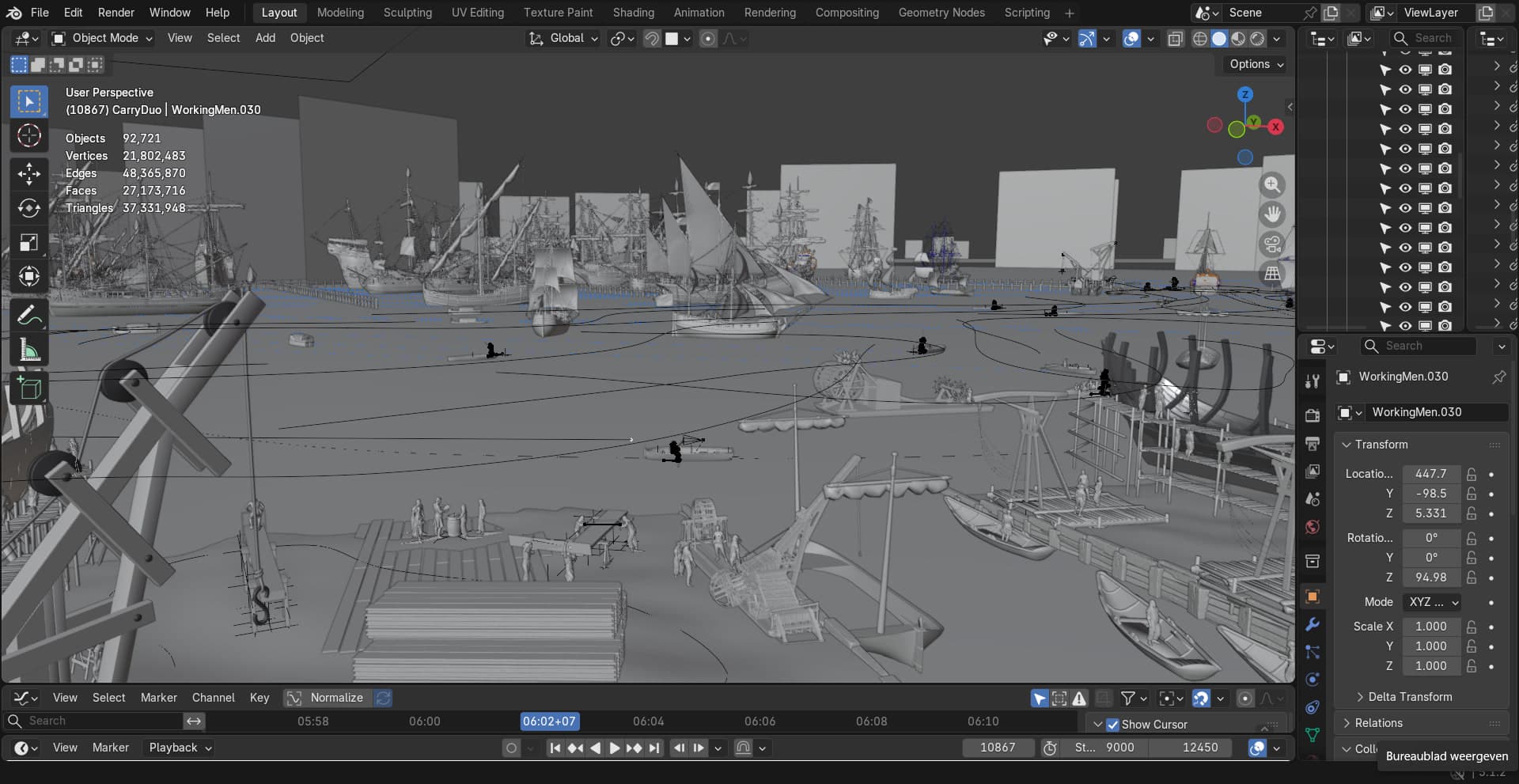
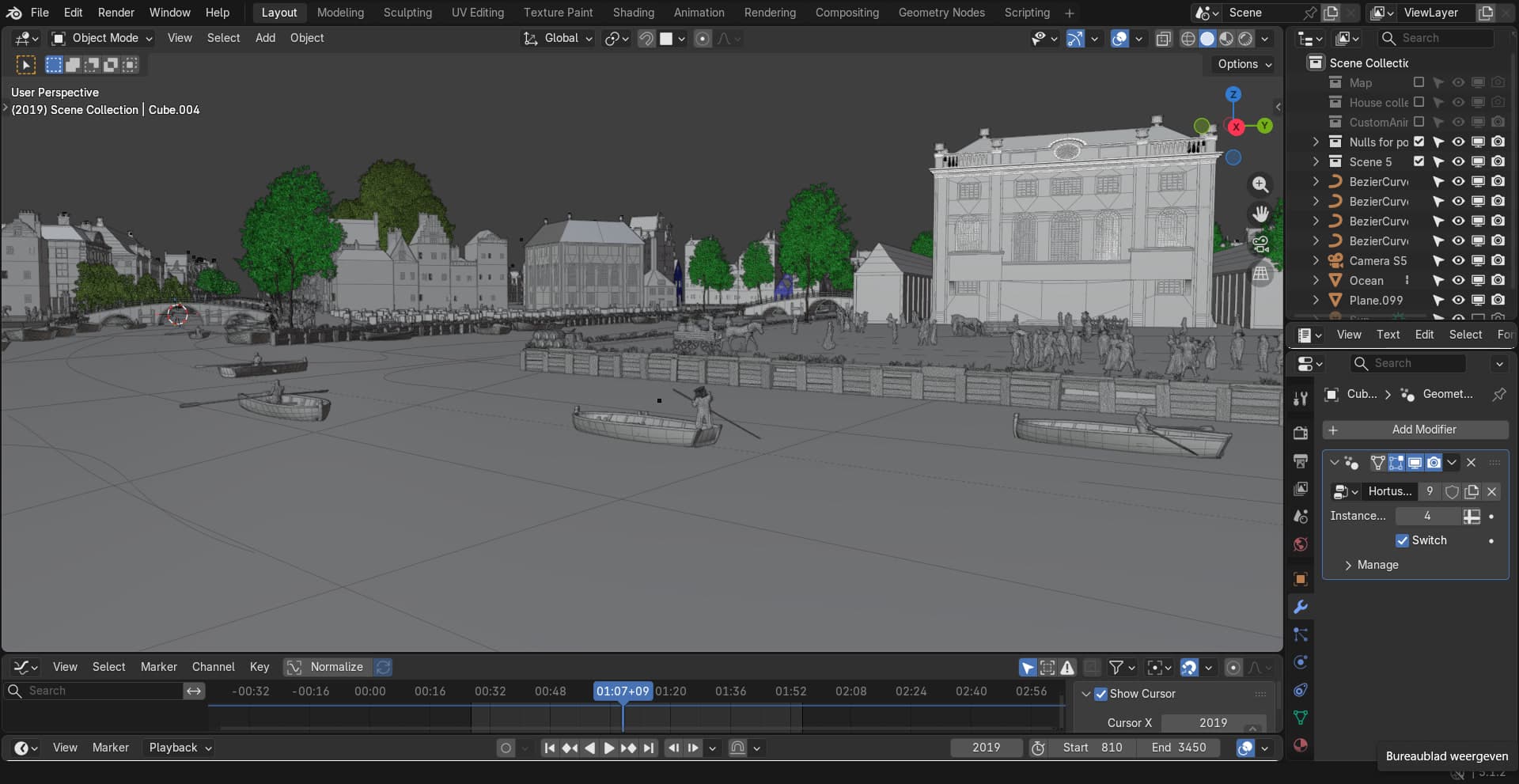
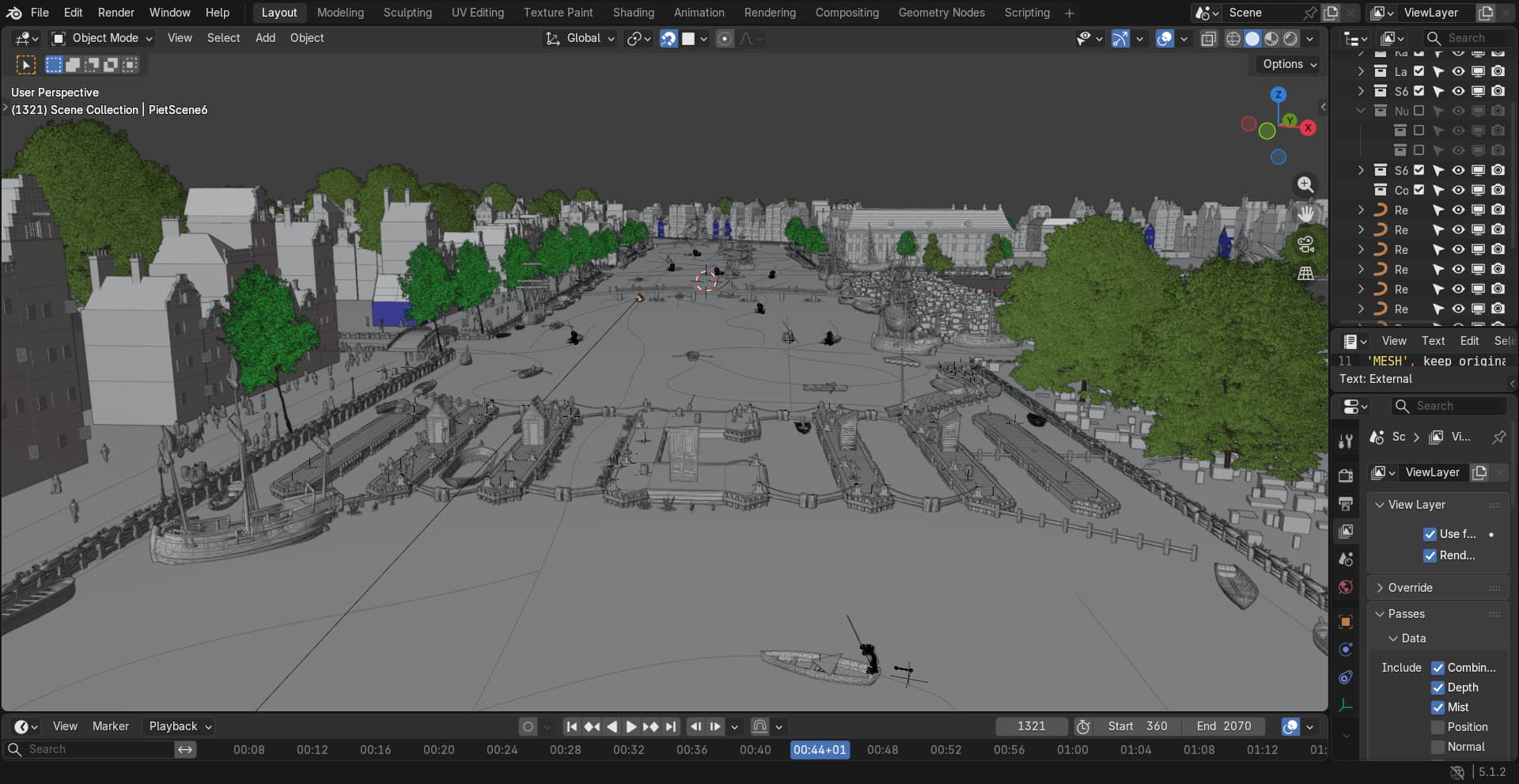
Project architecture. With 7 large scenes and multiple people working in parallel over more than a year, file management had to be thought through from the start. We split everything into separate Blender files by category (vegetation, props, buildings, and so on) and linked those into each scene file. This kept the scenes themselves light, let us both work on different files at the same time without conflicts, and gave us control over exactly what was loaded per scene.
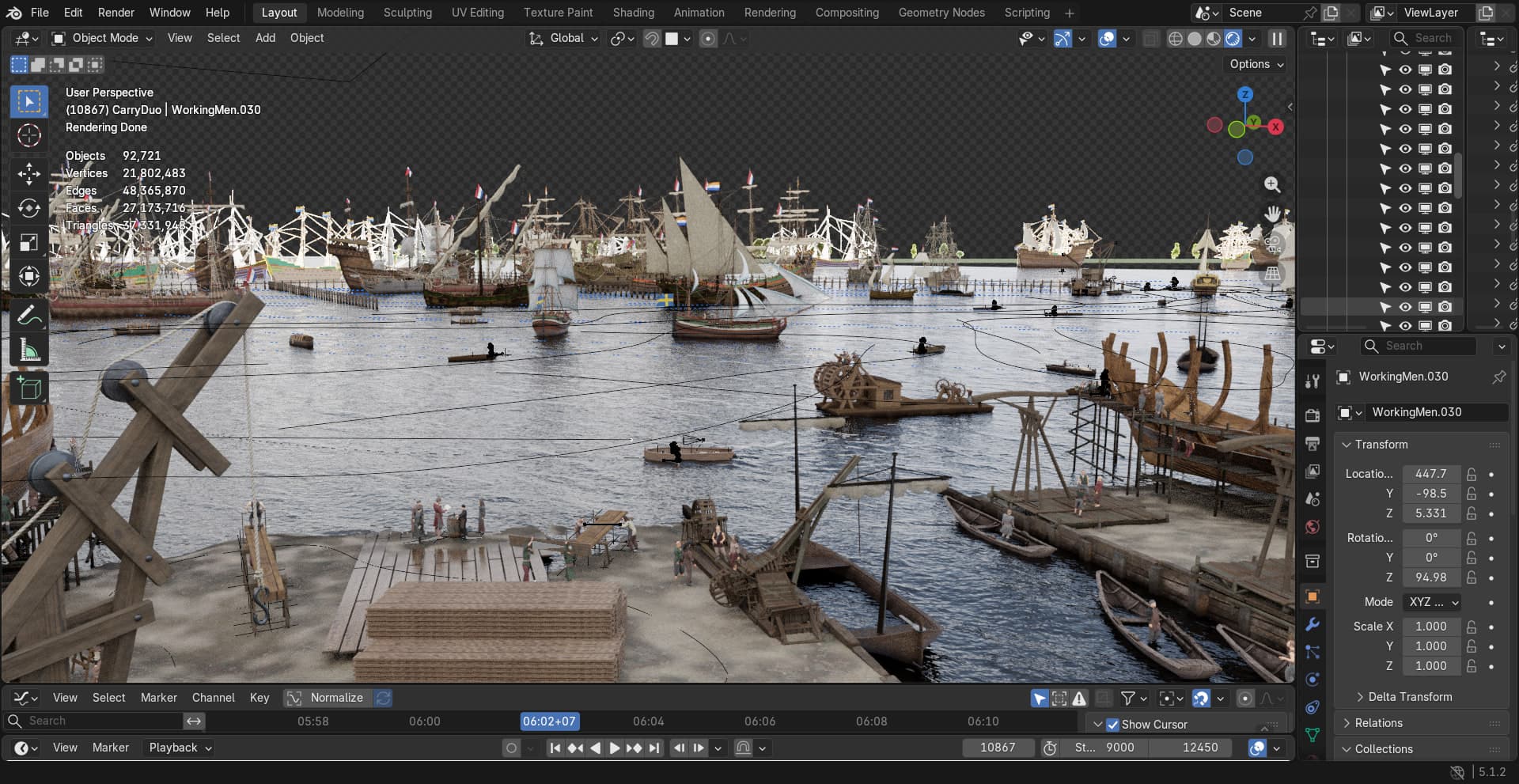
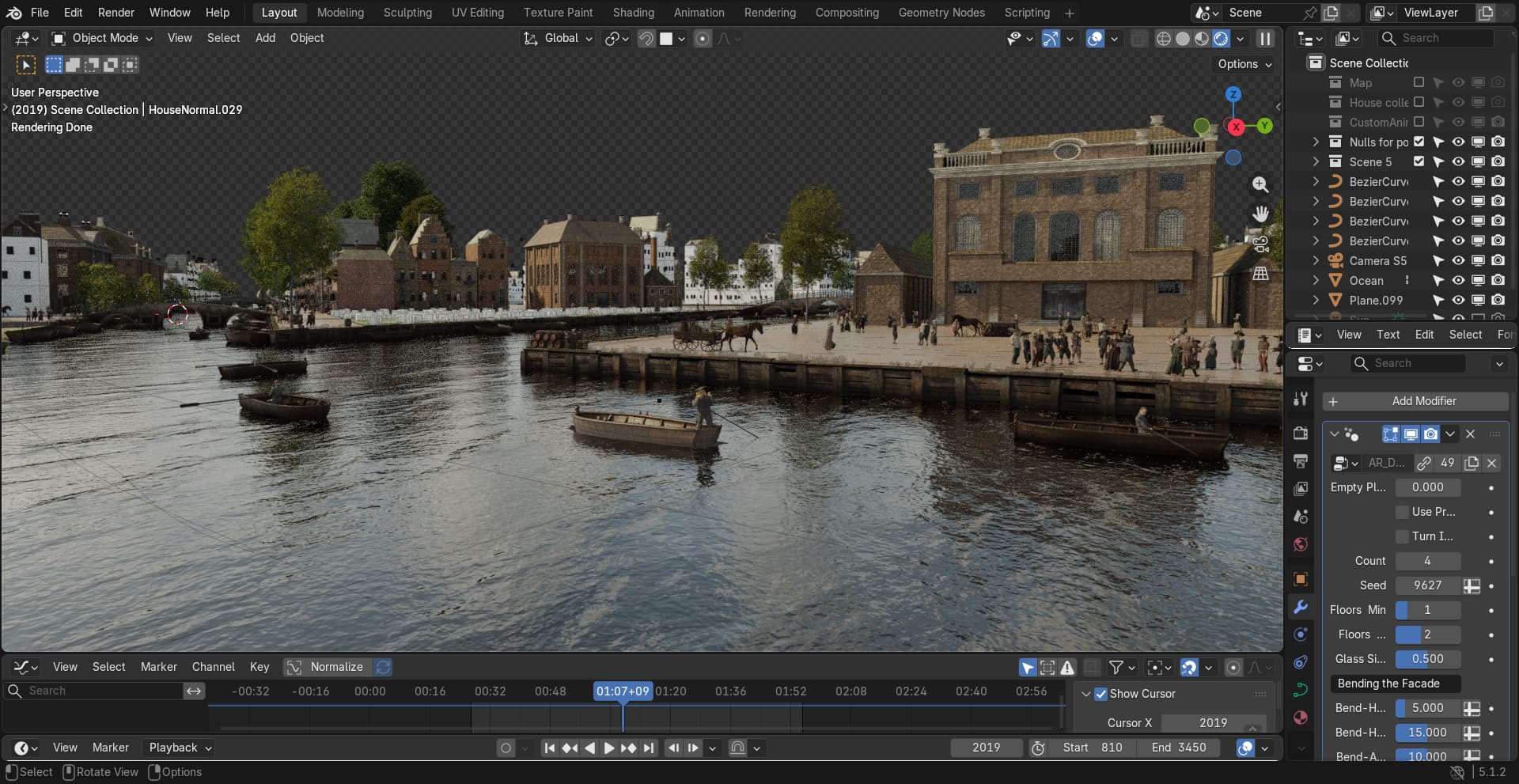
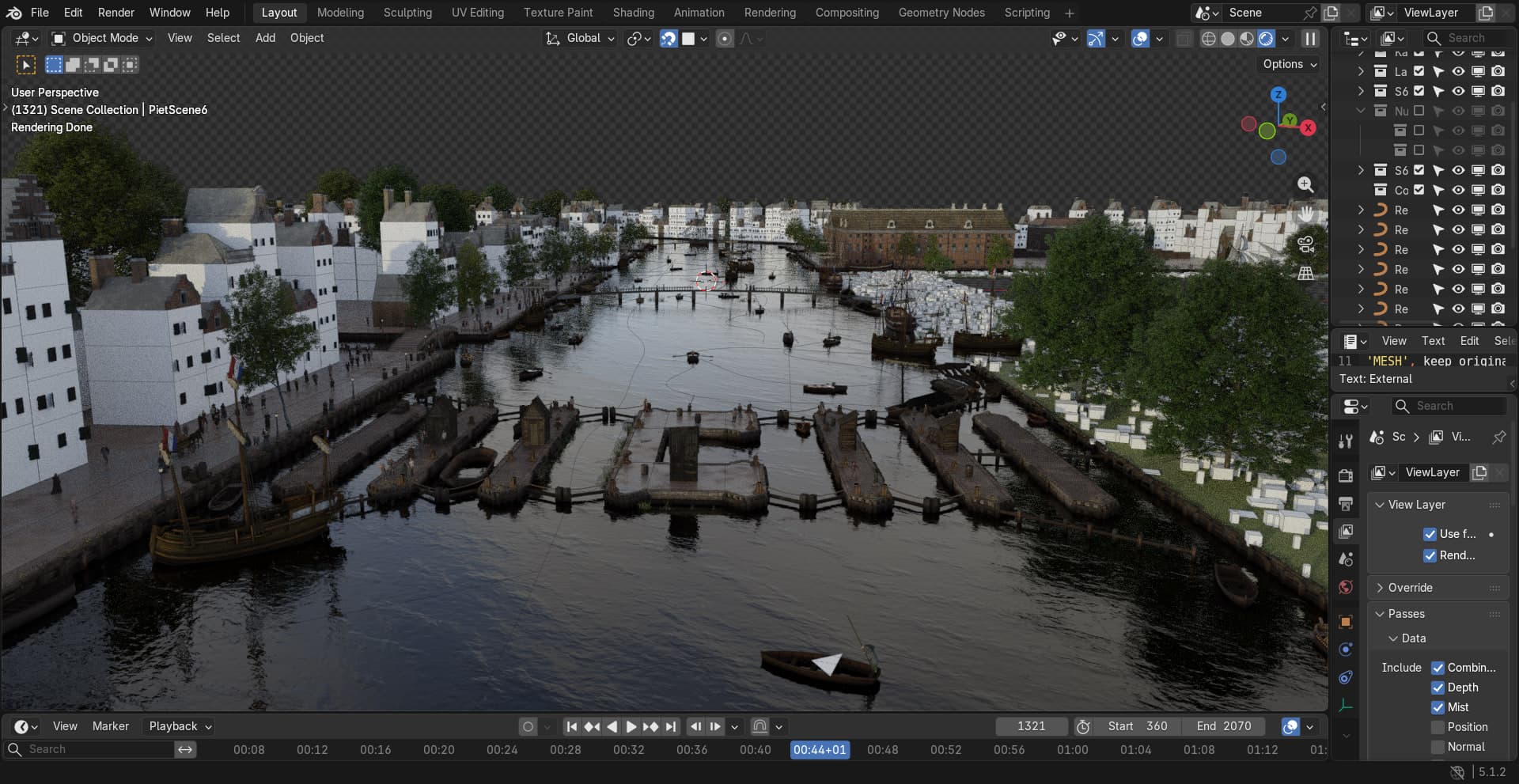
Ocean and water. Simulating the ocean in real time was too heavy for our render budget. Instead, I baked all the water data into a looping EXR texture with multiple data layers encoding wave height, intensity, and foam amount. The loop runs about 20 seconds, long enough to feel continuous when repeated. I drove both displacement and normal maps from this texture, and had the water plane subdivide more finely closer to the camera so the surface detail held up where it was most visible. On top of that I layered in a boat wake, mixed with the ocean displacement, so the water responded to the vessel moving through it.
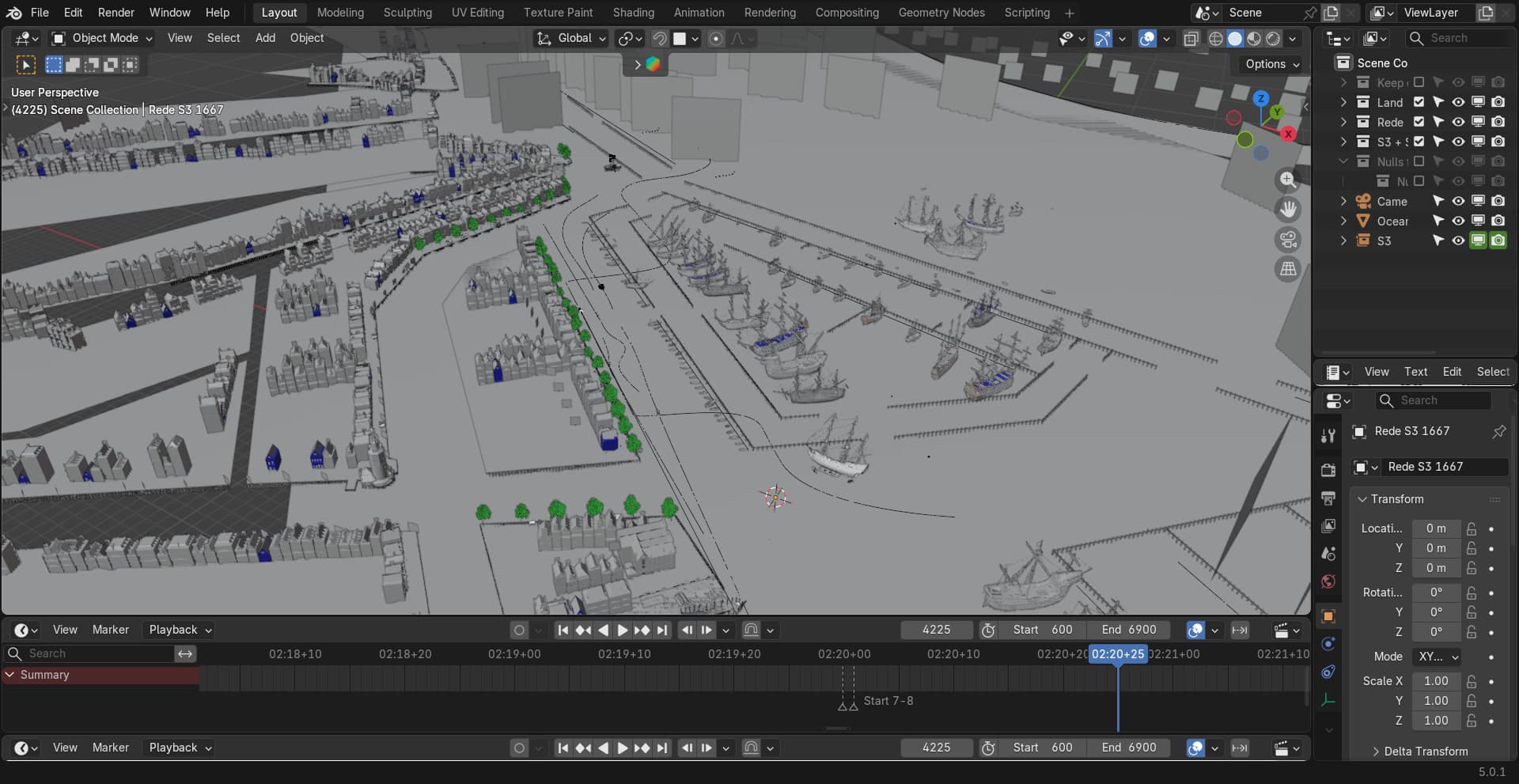
Geometry nodes. I used geometry nodes for most of the scene construction: converting flat planes into terrain with edge curves, using those curves to generate the canal walls, scattering vegetation and props across the scene, placing debris and small details, building fences, and more. It made the scenes fast to iterate and consistent across 7 locations, without hand-placing everything and without the result looking repetitive.
Rendering and optimization. The output was 30fps 360 video across 7 full scenes, which meant render time was a real constraint from day one. I set up a local render farm using all the PCs in the office, and extended it by connecting machines from a second office. I treated optimization as an ongoing responsibility throughout the build: keeping geometry efficient, managing what was linked in per scene, and focusing detail on what the viewer's eye was actually likely to land on.
Directing attention in 360. In a traditional film you can cut, push in, or reframe to guide the viewer. In VR you cannot. Each scene had to be composed so that the most interesting action naturally drew the eye, even with no camera control over what the viewer was looking at.
After the 3D work was complete, the scenes were handed off for post-production. Sound design and visual effects were added by others before delivery.
Stills


A canal bridge framed through the panoramic 360 camera in the viewport.
Fig. 05 · 360
A still frame from the harbor scene, an ornately detailed ship anchored in the busy harbor.
03
The Result
Seven pre-rendered 360 video scenes showing Amsterdam as it looked around 1650. Historically reconstructed streets, canals, and buildings. A working harbor with period ships, including the Batavia and the Amsterdam. The Herengracht market, the VOC shipyard, Hortus Botanicus, the Schreierstoren, and the old city wall, all at real-world scale. Two of the seven, the quayside market and the windmill-lined city wall, are shown here in stills rather than video.
The videos play back on VR headsets during a live 75-minute canal boat tour. The real boat passes through the exact spots where each VR scene is set. Because the boat has four seating orientations, each scene had to feel grounded and legible no matter which direction a passenger was originally facing when the headset went on.
Fig. 07 · 360
A still frame looking toward the windmill-lined village from across the water.
Fig. 08 · 360 video
A 360 render of the canal scene, framed on one of its pink-fronted buildings.
04
Outcome
VR Voyage is live and running tours in Amsterdam. The client was satisfied enough with the result that they are already planning a second version set in another city.
The project pushed me into territory I had not covered before. Building and managing a render farm, designing a file architecture that could hold up over 17 months with multiple people working in parallel, spending serious time with geometry nodes at a scale I had not reached before. These all left a mark. We also came away with a clear read on tooling: Blender was not the right engine for a project at this scale. The next version would be built in Unreal Engine.
Fig. 10 · 360 video
A 360 render of the Amsterdam canal scene in daytime light.
Fig. 11 · Video
A flattened POV cut of the waterfront scene, part 7 of 7.
03 / About
Concept first, medium second
I'm Ramon, a multimedia designer based in Eindhoven. Projects start with a problem: what the thing has to do, and how someone should move through it. The answer has been a 360 film, a VR walkthrough, an explainer animation, a configurator and an AI training platform.
My part is 3D, design and code: modelling and lighting in Blender, interface and motion in XD/Illustrator and After Effects, and the build in PlayCanvas or Next.js.