TKH Security
A 360 VR animation showing TKH Security's parking guidance system from both the security office and the driver's seat.
01
The Brief
TKH Security needed one animation to sell their new parking guidance system at trade shows and in client pitches. The system has two sides. In the security office, an AI flags suspicious activity on the camera feeds and alerts the officer's phone. In the garage, M5 sensors guide drivers to a free spot. The animation had to show both as one connected system, in 360 for VR headsets and as a flat video.
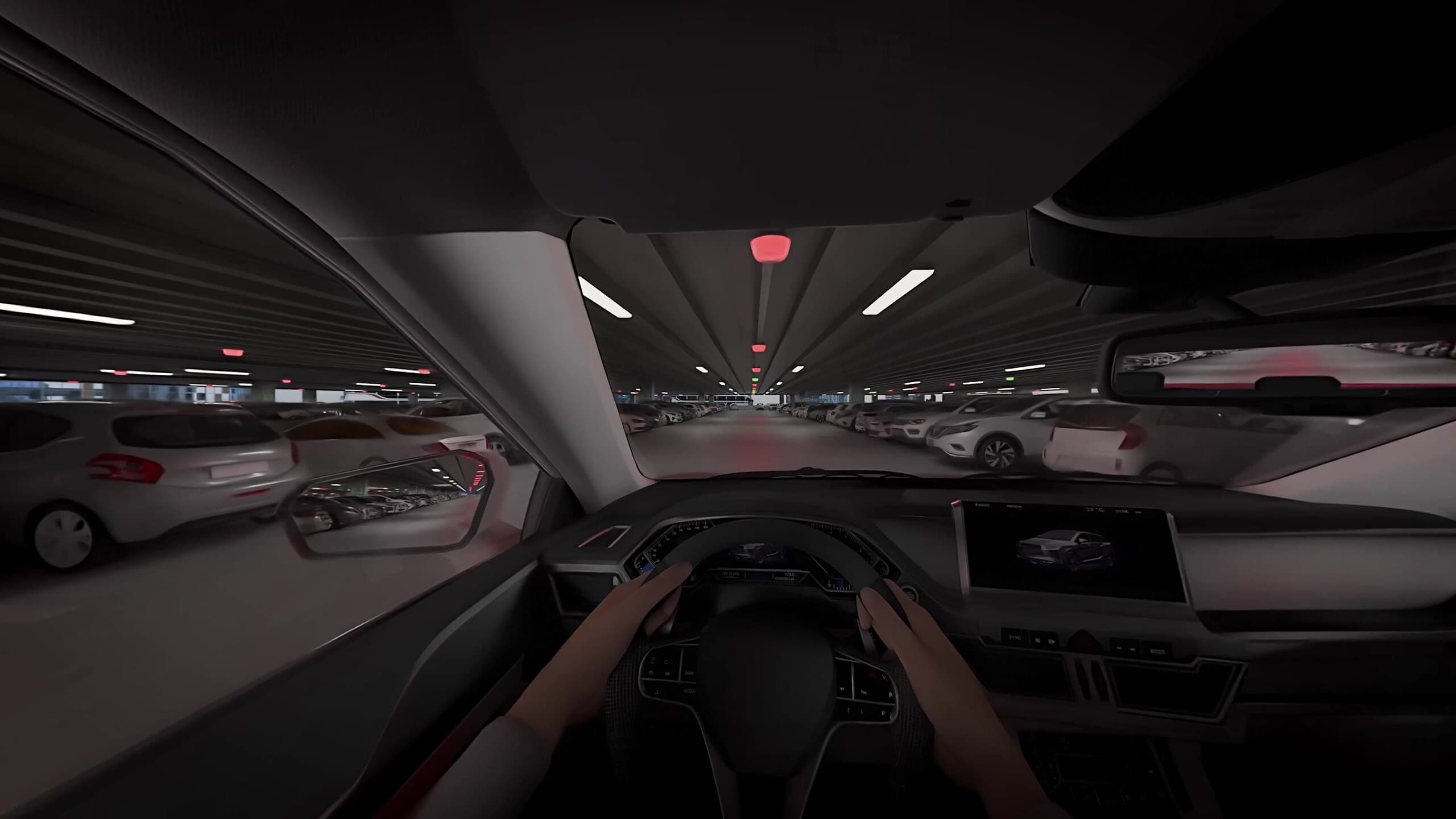
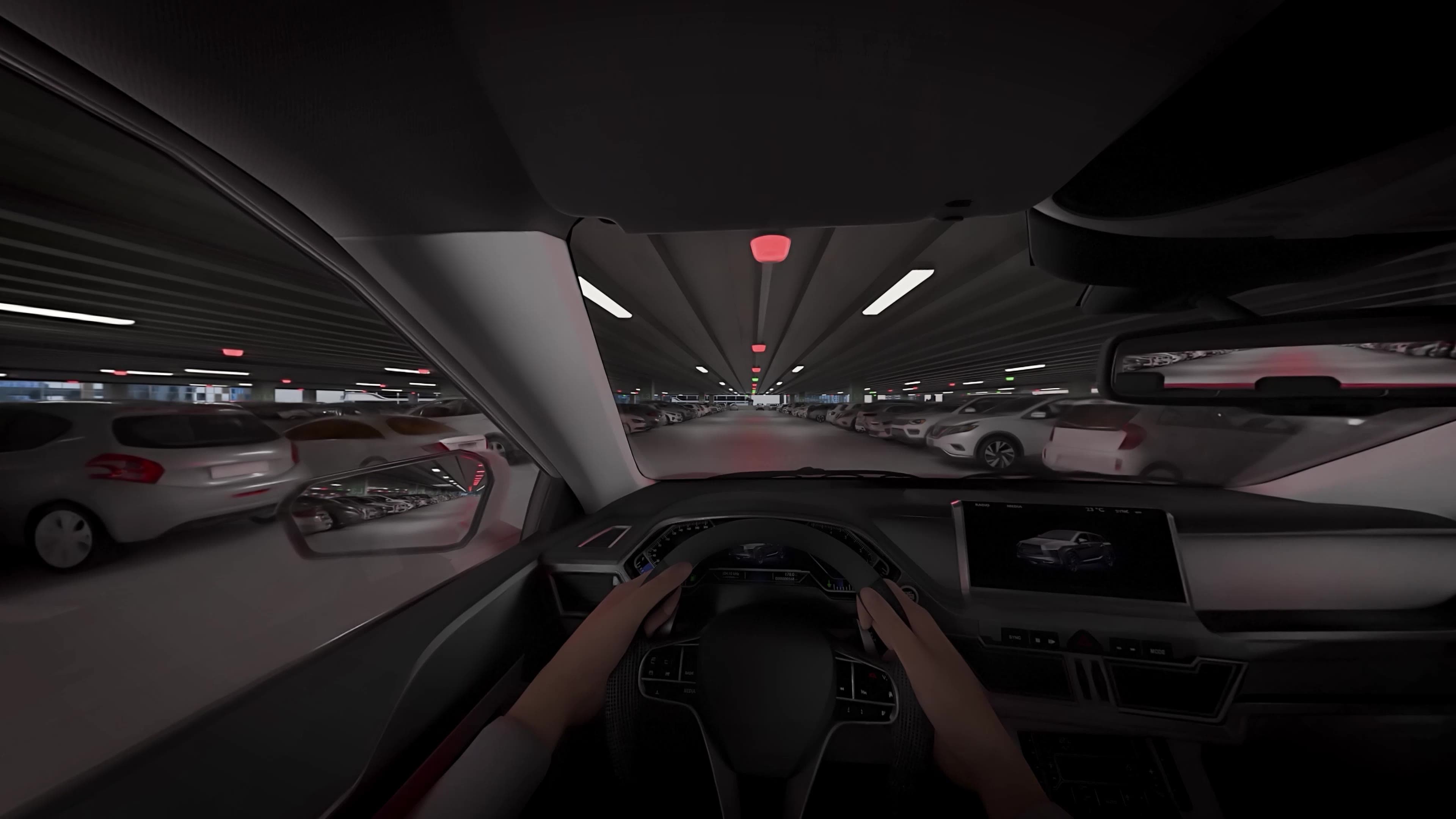
Fig. 02 · 360
360 still from the car cabin as the alert reaches the officer.
02
My Approach
I built the garage and the security office as separate Blender scenes. Most of the garage is procedural, so I could change the layout without remodeling it, while TKH's M5 sensors and signage were modeled from photos of the real hardware so they read as their actual product. In the office, I rigged the officer's hands to type, pick up the phone and react to the alert, and the monitors play their footage inside the scene, so everything stays in sync.
Stills
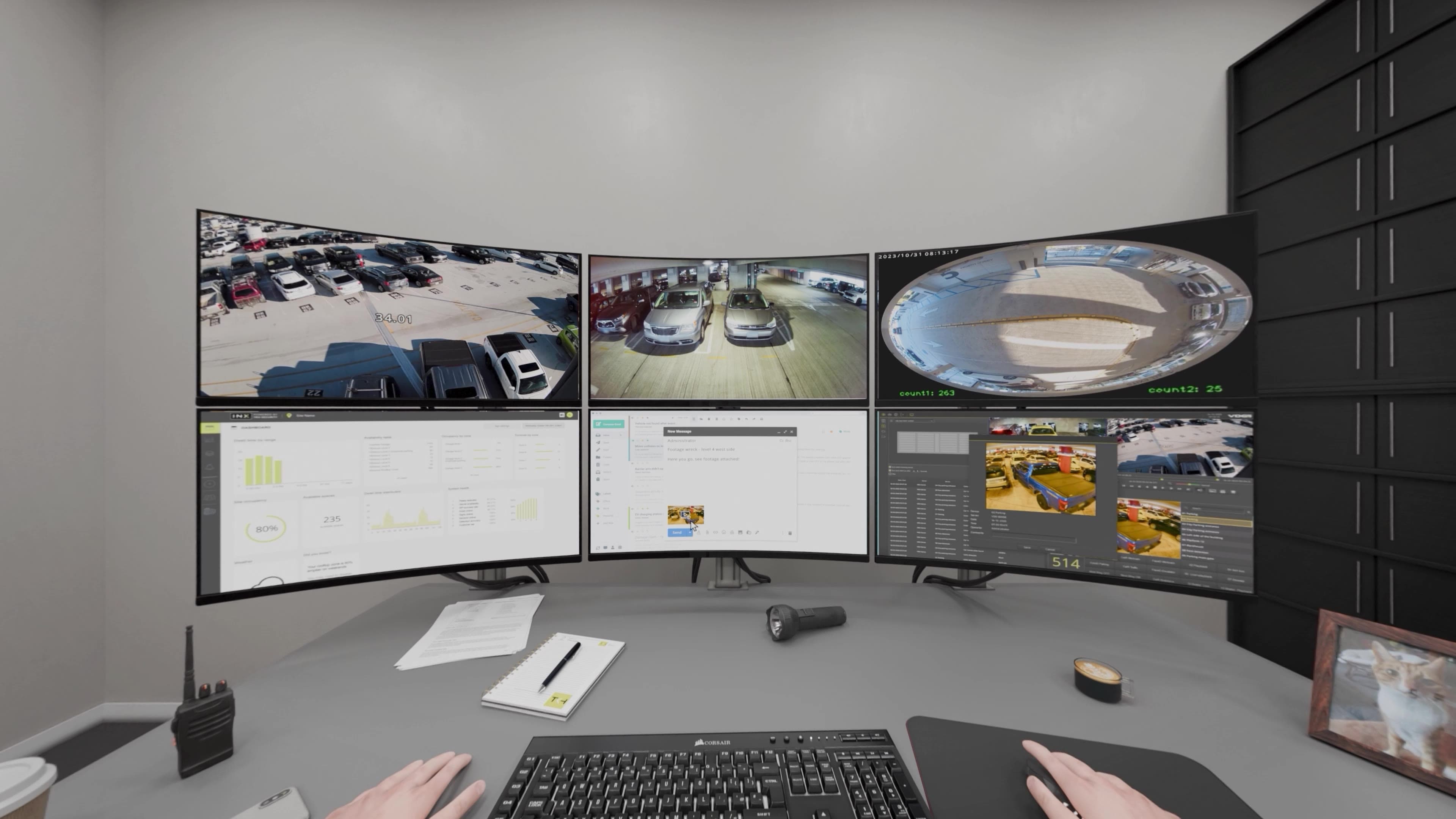
The AI flags a parked SUV and pushes the alert to the officer's phone.
03
The Result
The final animation runs 4:53 minutes and comes in two cuts: a 360 version for VR headsets and a flat 4K version for regular screens. It starts in the security office as the AI catches a flagged car, then moves to the driver's seat as the M5 sensors guide it to a free space. The clips here are short excerpts.
Fig. 04 · 360
360 still from the security office.
Fig. 05 · 360 video
360 from the car cabin, rows lit red and green by the M5 sensors.
04
Outcome
The animation is still shown at conventions and in meetings with potential clients, both in VR and on screen. At TKH it was well received as a clear, visual way to explain a fairly technical product.
Fig. 07 · 360 video
360 view of the AI flagging the SUV and alerting the officer.

03 / About
Concept first, medium second
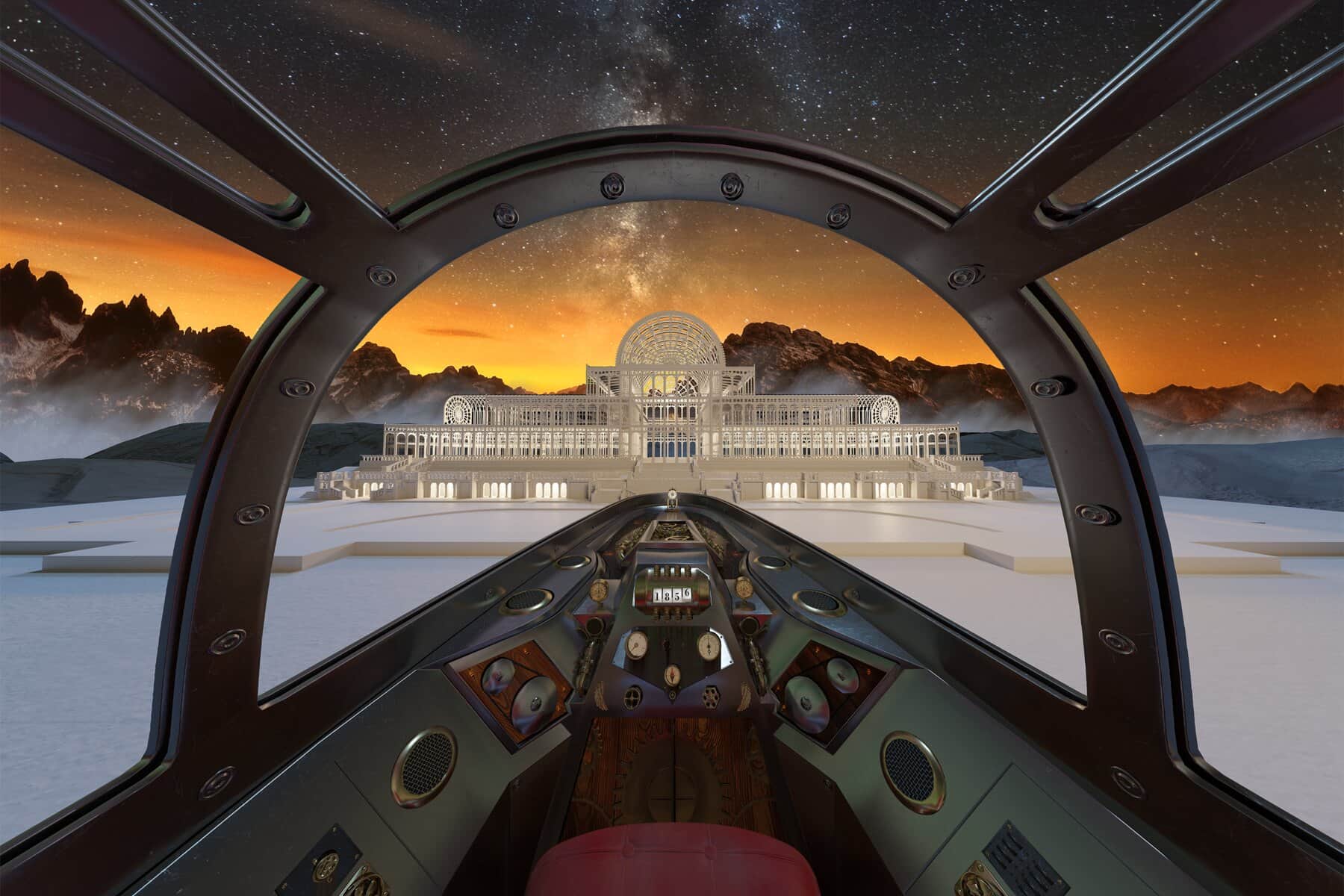
I'm Ramon, a multimedia designer based in Eindhoven. Projects start with a problem: what the thing has to do, and how someone should move through it. The answer has been a 360 film, a VR walkthrough, an explainer animation, a configurator and an AI training platform.
My part is 3D, design and code: modelling and lighting in Blender, interface and motion in XD/Illustrator and After Effects, plus the build in PlayCanvas or Next.js.