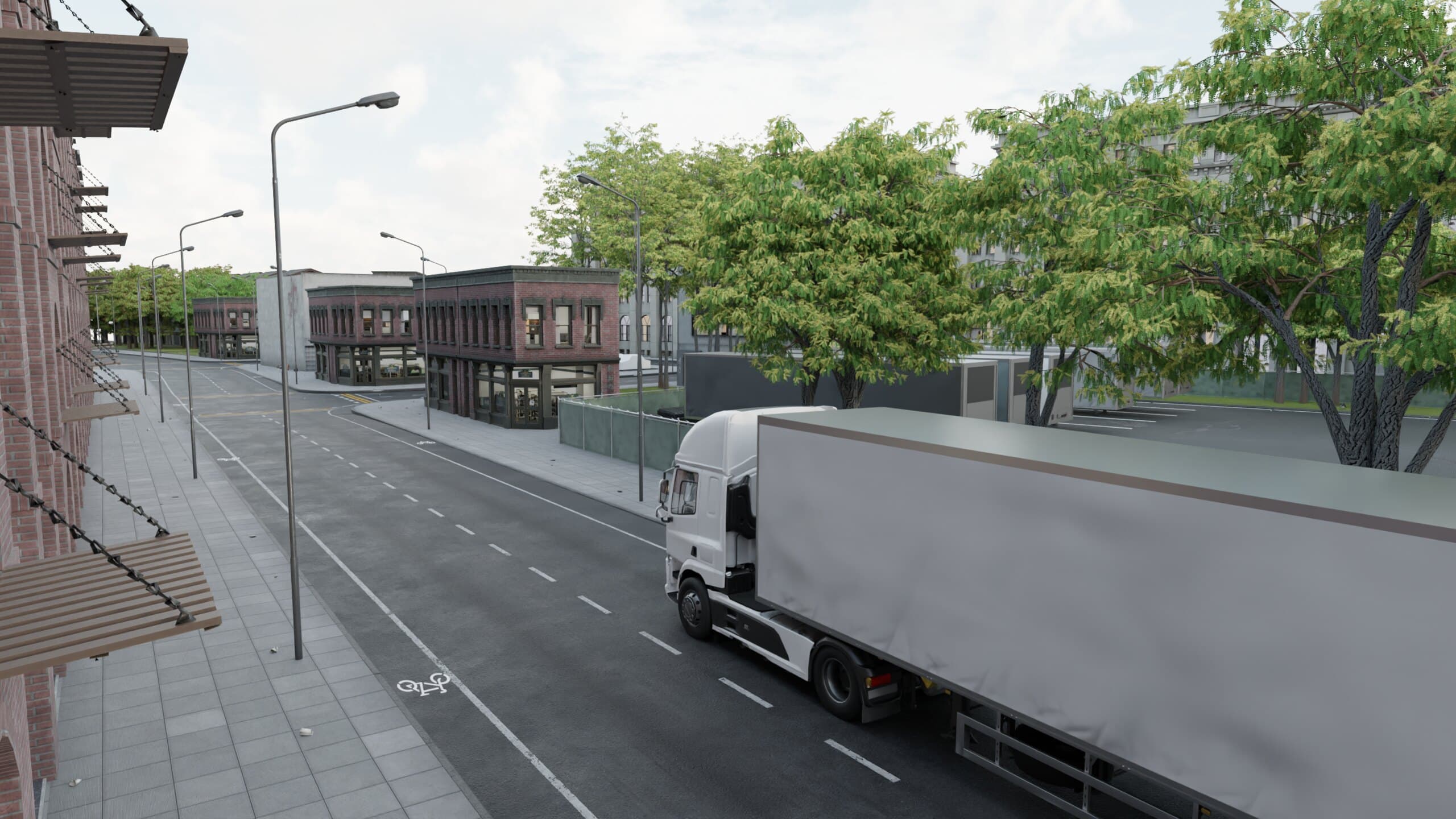
Brigade Electronics - Backeye360 VR Experience
A 360 VR animation that puts fleet managers inside a truck to experience the Backeye360 camera system firsthand.
01
The Brief
Brigade Electronics wanted to show their Backeye360 camera system at conventions in a way that goes beyond a regular product demo, by putting visitors in the truck themselves. The video had to show how the cameras are installed and connected, and what the driver sees on the screen in the cab, like proximity warnings, dead corner views and the camera switching automatically when turning or reversing. It would play on Oculus Quest headsets at their stands.
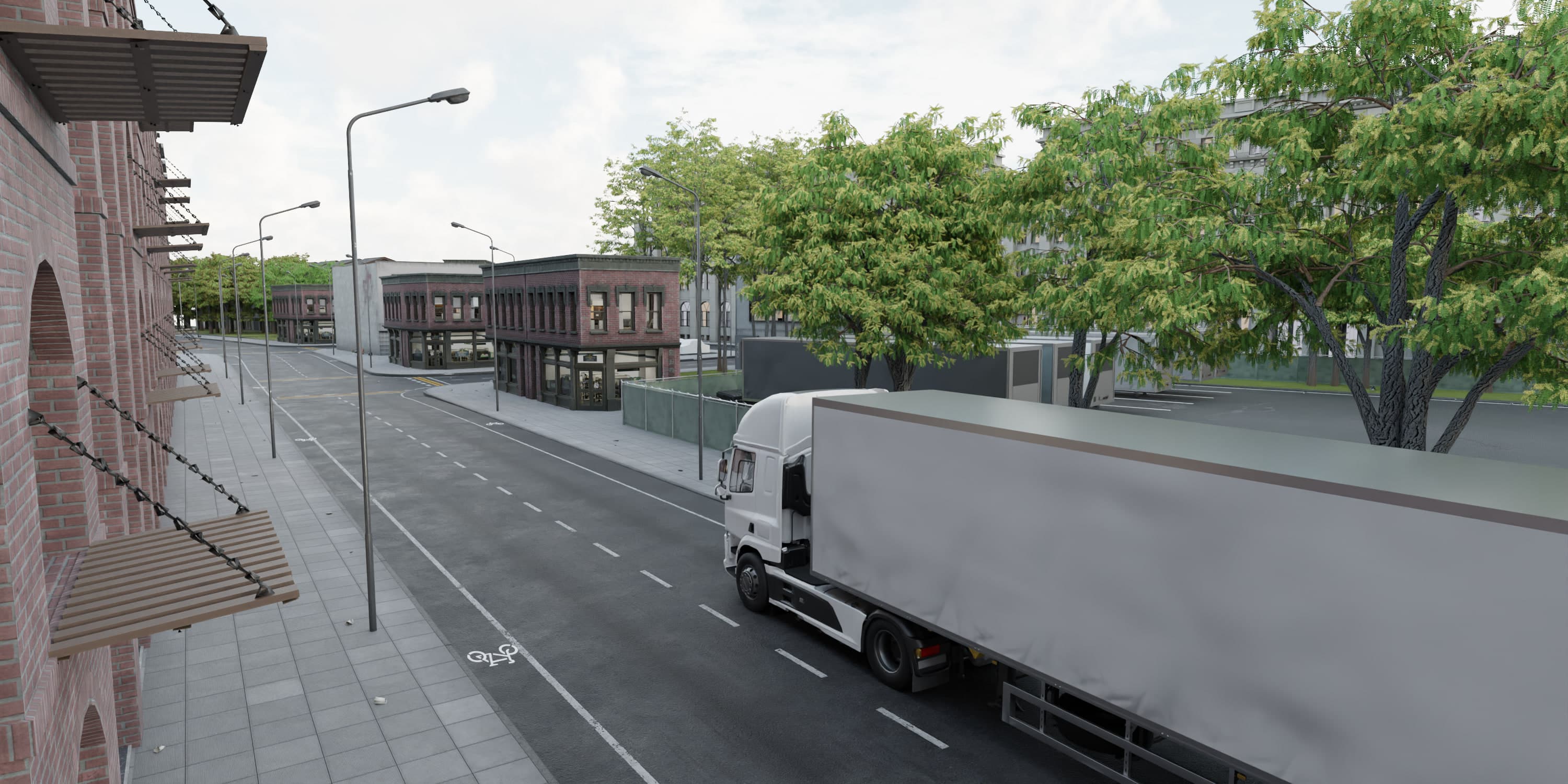
Fig. 02
The truck driving through town, streets lined to keep the viewer inside the world.
02
My Approach
I built a full town in Blender from asset packs and my own geometry node setups, laid out so every sightline is blocked by buildings or props. Wherever you look, you stay inside the world. Brigade supplied the product models, and I sourced or built everything else, including their branding on posters and billboards. The video has two scenes. Outside the truck, an x-ray view reveals the cameras and cables. Inside the cab, you ride through town and reverse into a drop-off zone.
The monitor in the cab needed its own pipeline. I put a virtual camera on each of the product cameras, rendered all the feeds at once and exported the monitor's position to After Effects to place them on the screen, with the warnings and view switches edited in. Rendering 2.5 minutes of 6K 360 video meant constant optimization and a render farm across the office PCs.
Stills
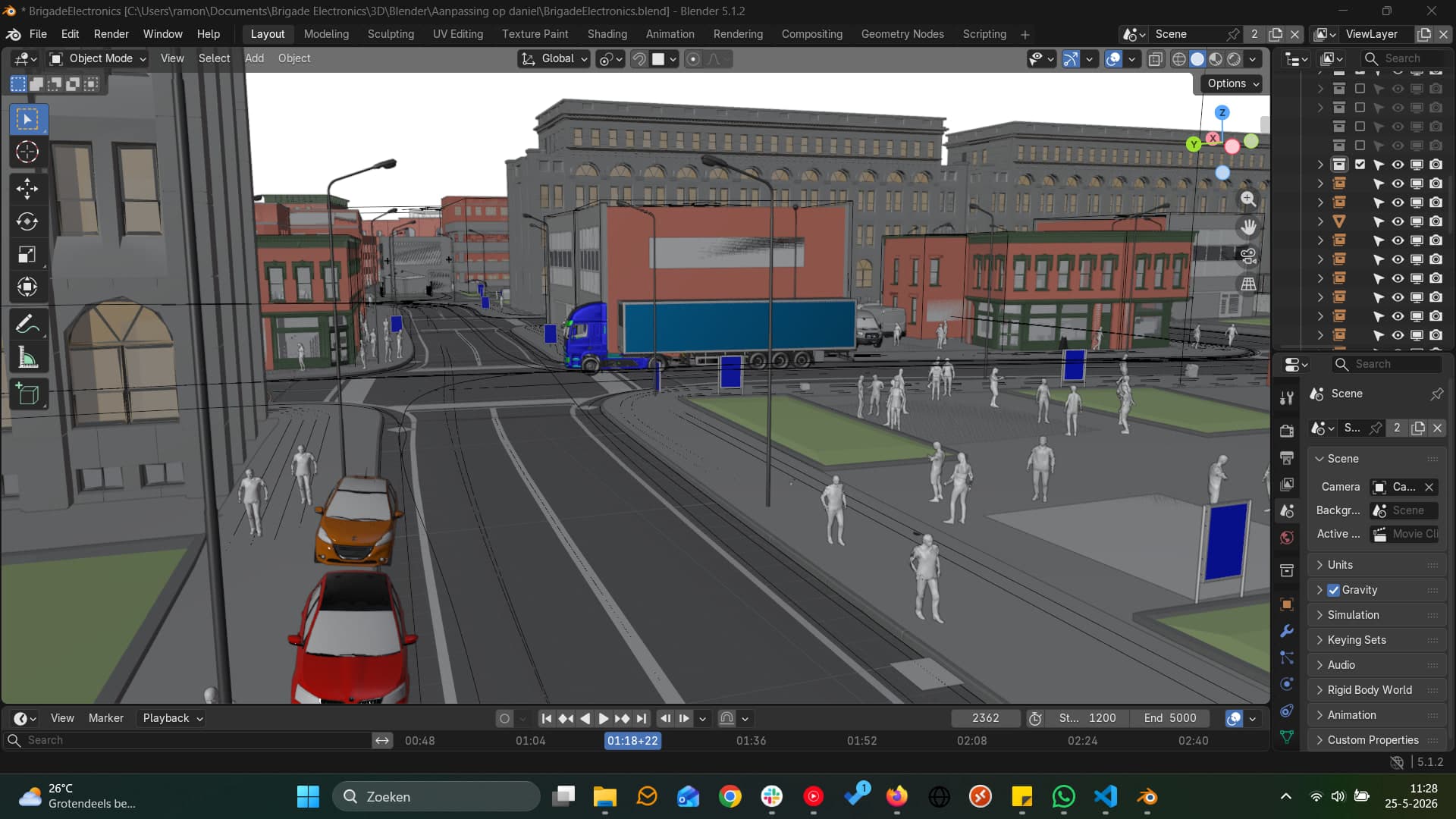
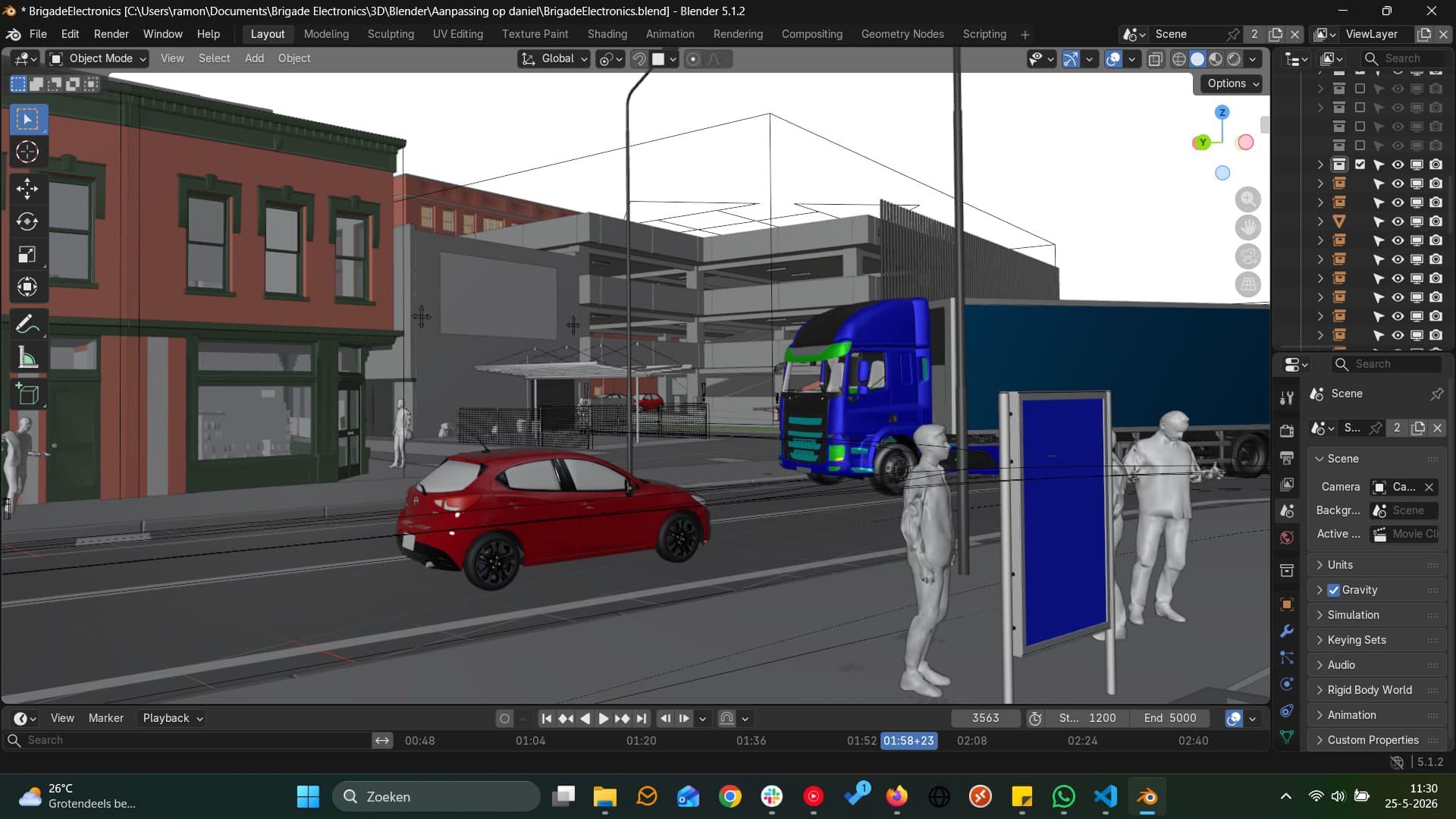
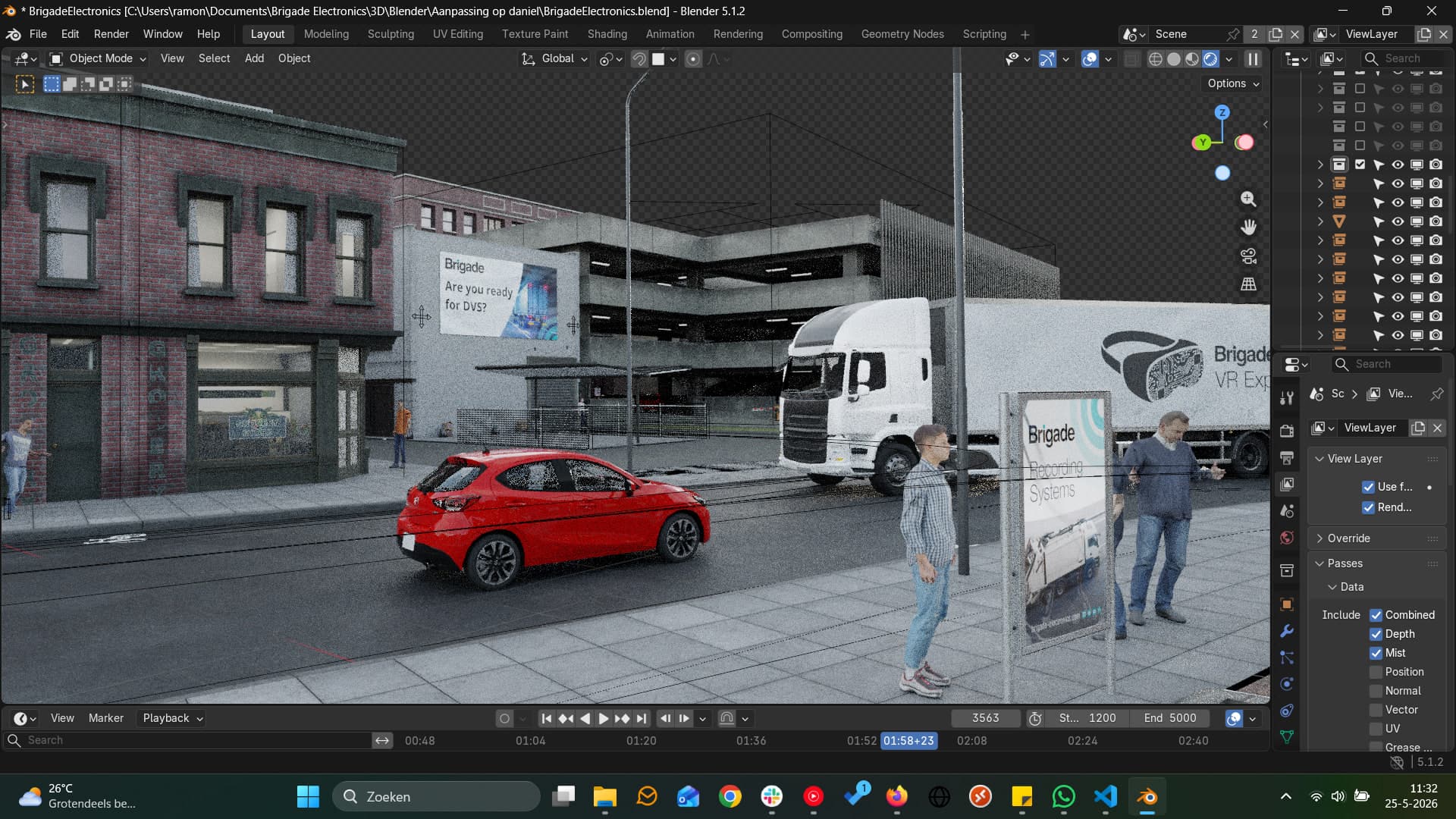
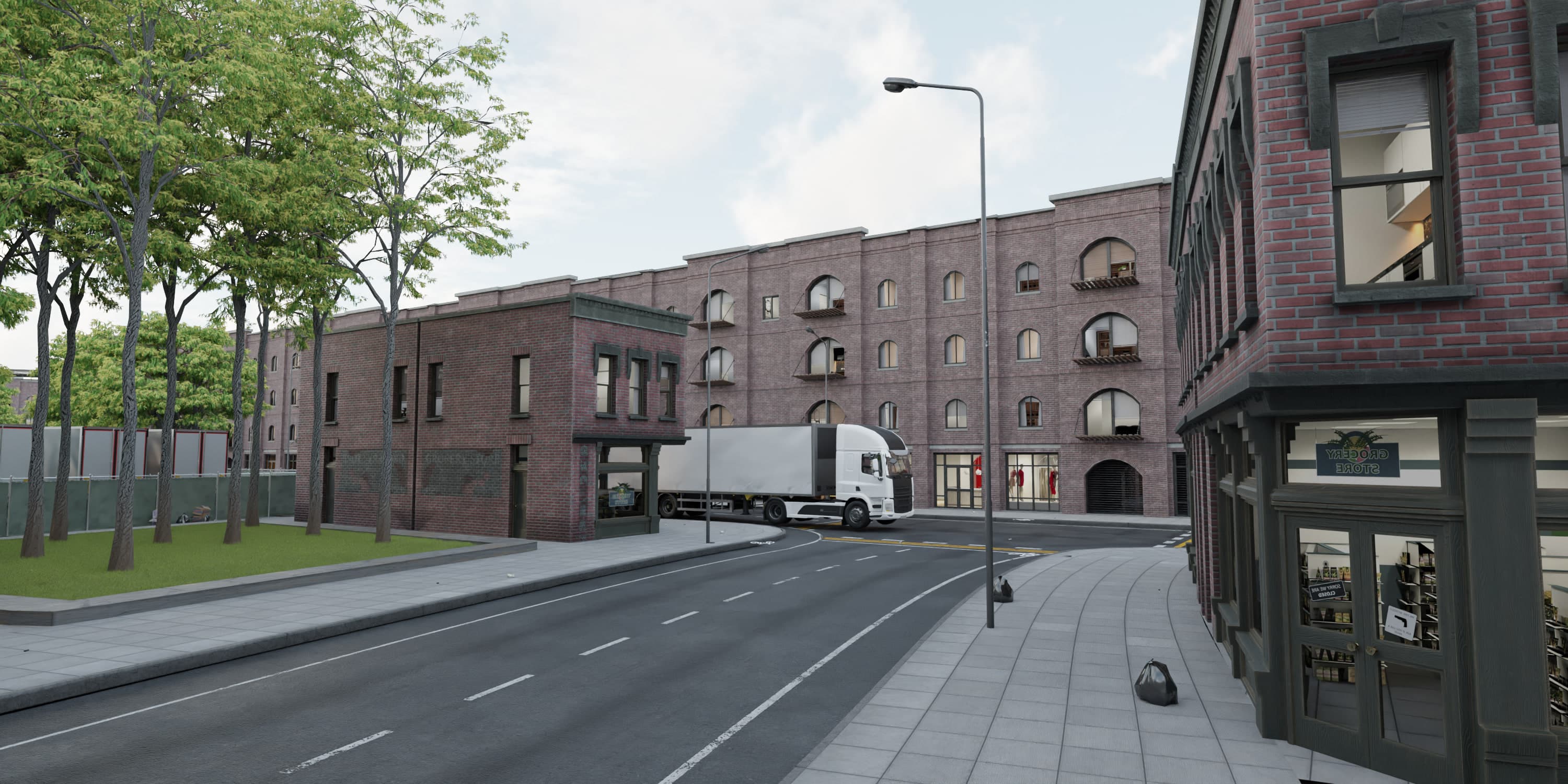
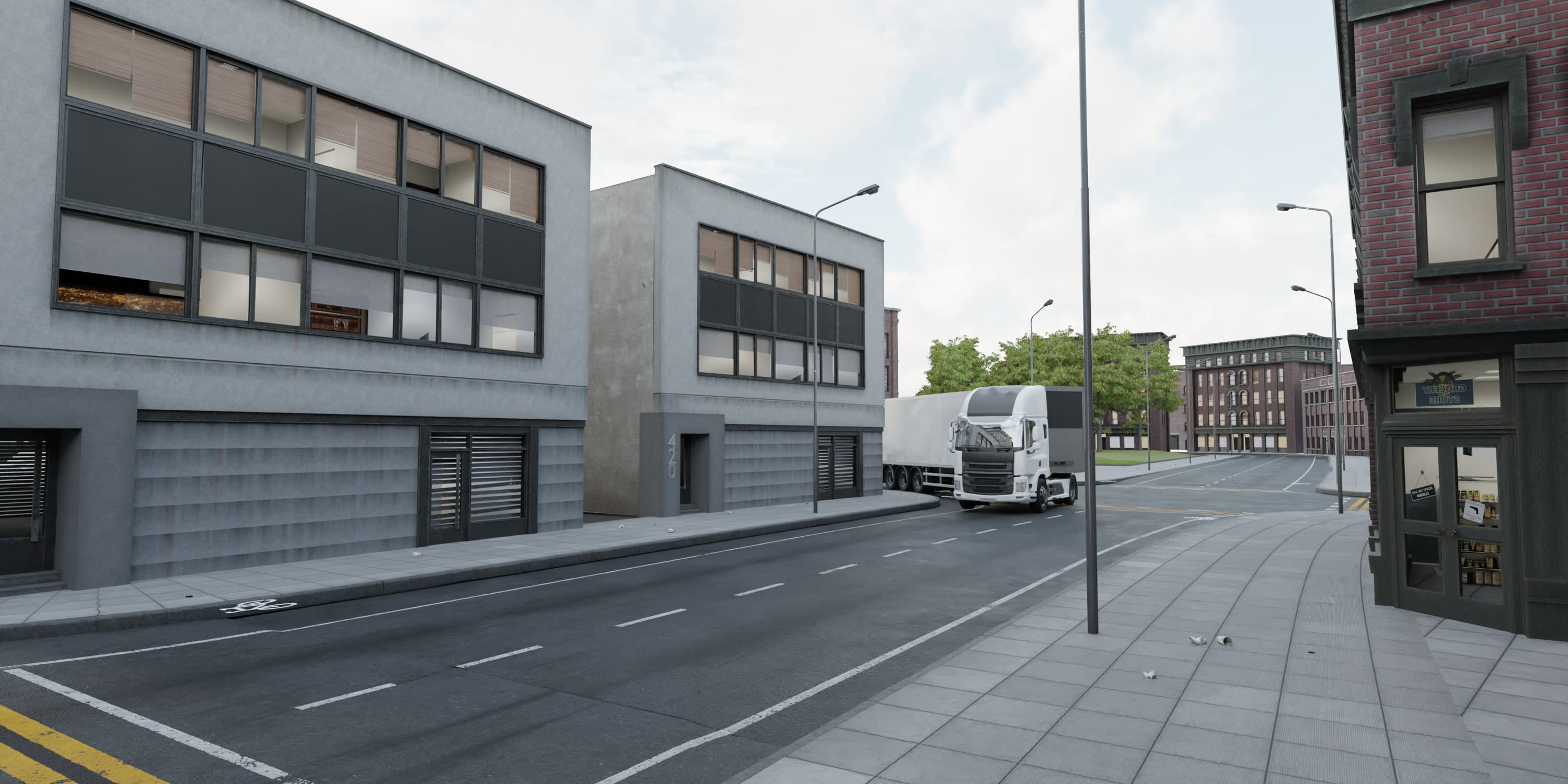
The scene in Blender, filled with pedestrians, cars and props through geometry nodes.
Fig. 03 · 360
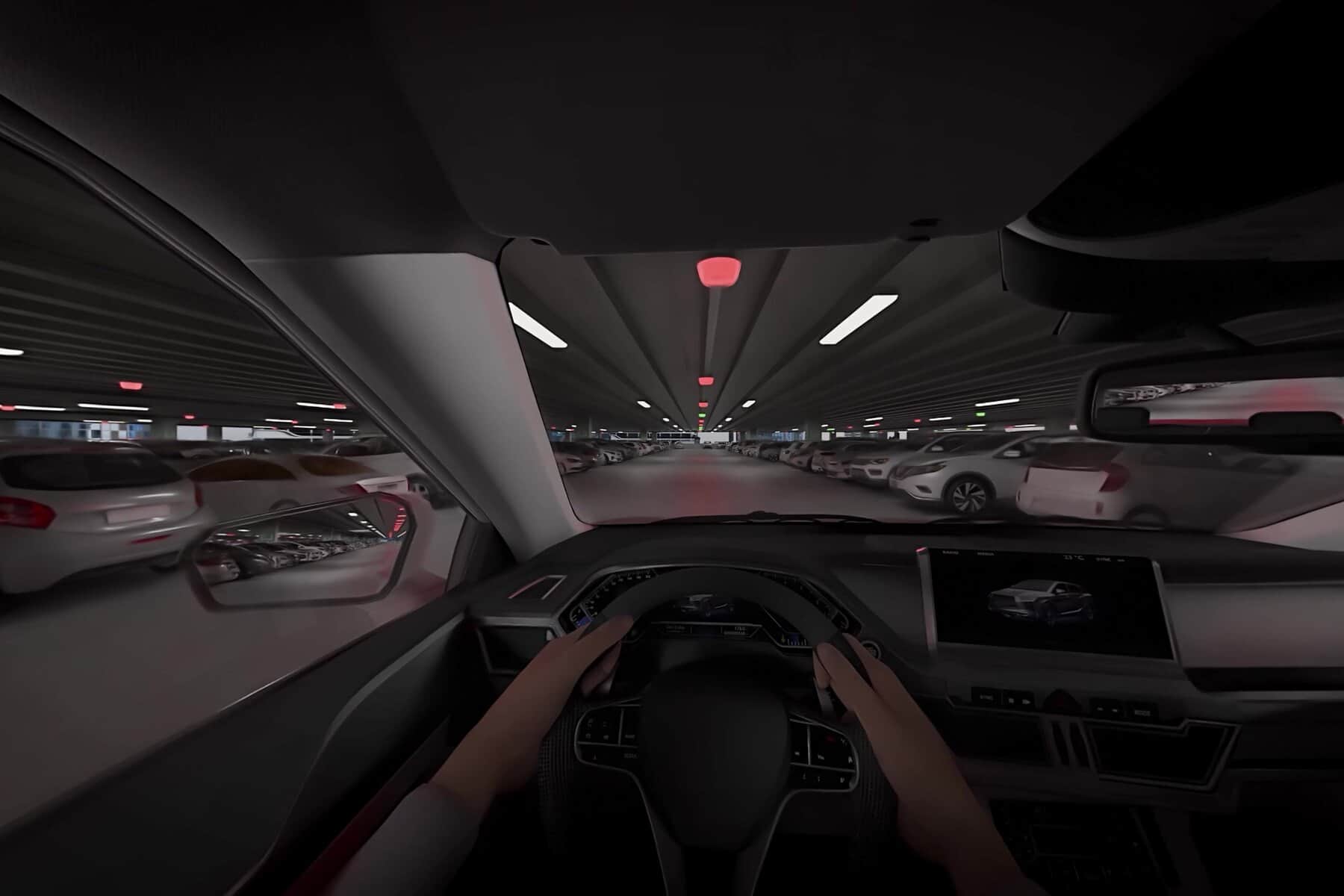
360 from the cab, the Backeye360 monitor showing live feeds on the dashboard.
03
The Result
The final video runs 2.5 minutes in 360, split into two chapters and ready for Oculus Quest. The stills and clips here focus on the drive through town and the AI detection follow-up.
Fig. 04 · 360
At an intersection, a car shows up in the dead corner view.
Fig. 05 · 360 video
The AI detection on a fire truck, tracking nearby obstacles.
04
Outcome
Brigade still uses it on YouTube and at their convention stands, and came back for a follow-up covering more vehicle types. I came away with a solid grip on multiview rendering and on using 3D data to drive compositing.
Fig. 07 · Video
Overhead, with AI detection active on several vehicles.

03 / About
Concept first, medium second
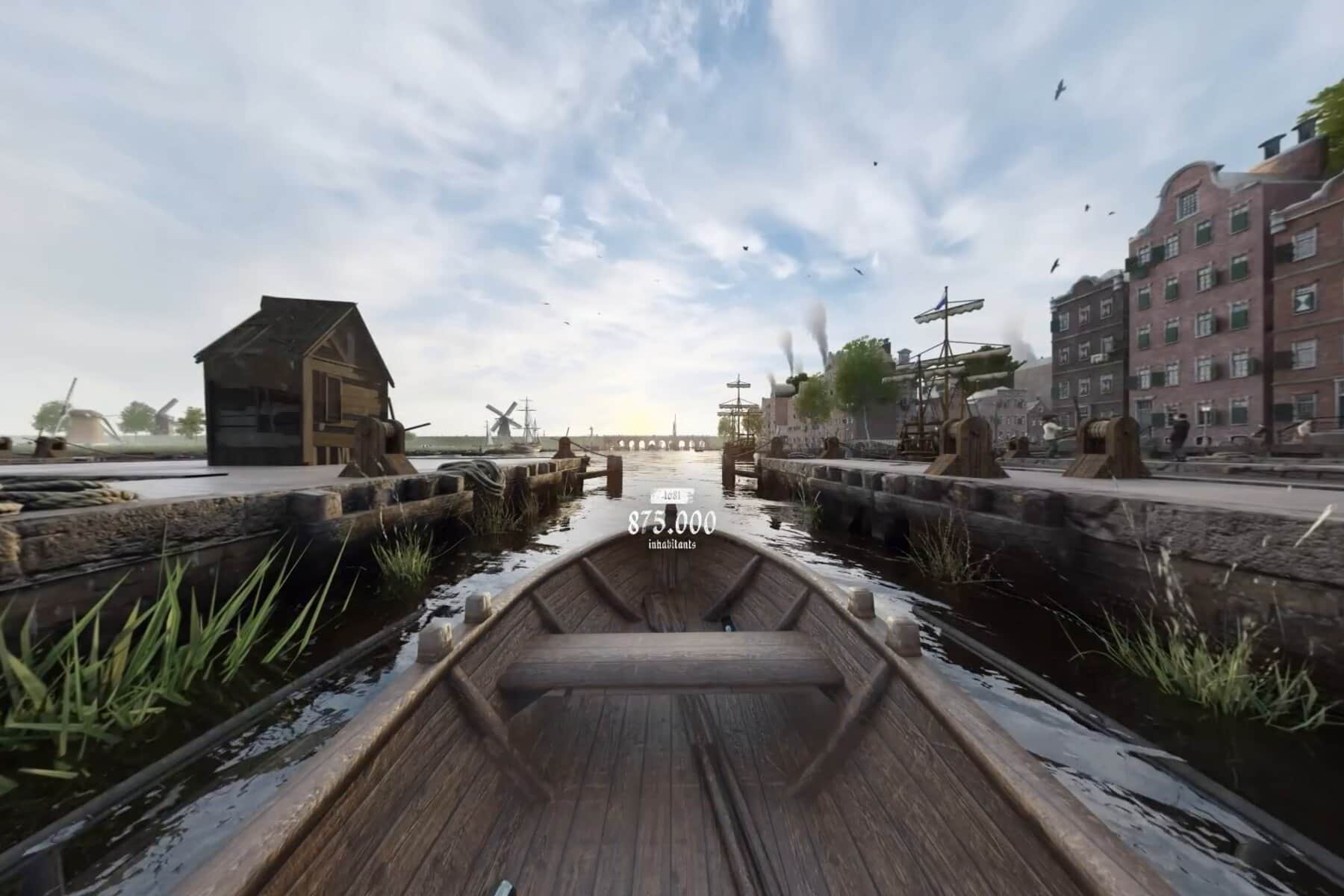
I'm Ramon, a multimedia designer based in Eindhoven. Projects start with a problem: what the thing has to do, and how someone should move through it. The answer has been a 360 film, a VR walkthrough, an explainer animation, a configurator and an AI training platform.
My part is 3D, design and code: modelling and lighting in Blender, interface and motion in XD/Illustrator and After Effects, plus the build in PlayCanvas or Next.js.