Joico Cut & Color Webinar
An interactive webinar where Joico stylists learn cutting and color techniques through video lessons, quizzes and drag-and-drop exercises.
01
The Brief
Joico's Confident Classics program teaches stylists across EMEA nine classic haircuts and their color techniques. This webinar is its foundation, covering consultation and face shapes, plus the thinking behind cutting and color. Joico didn't want another passive video course. The lessons had to be broken up by quizzes and exercises, so people stay engaged instead of letting a video run in the background.
02
My Approach
The whole course is defined in one data file, and the app builds its menus and screens from it, so adding or reordering content never meant rebuilding screens by hand. Progress is saved, so stylists can pick up where they left off. The videos, password check and result emails live on a separate server, so I wrote the PHP backend and made the two talk to each other safely. For the drag-and-drop exercises I built a reusable framework, where the hit areas are drawn right in the editor and it works with both mouse and touch.
03
The Result
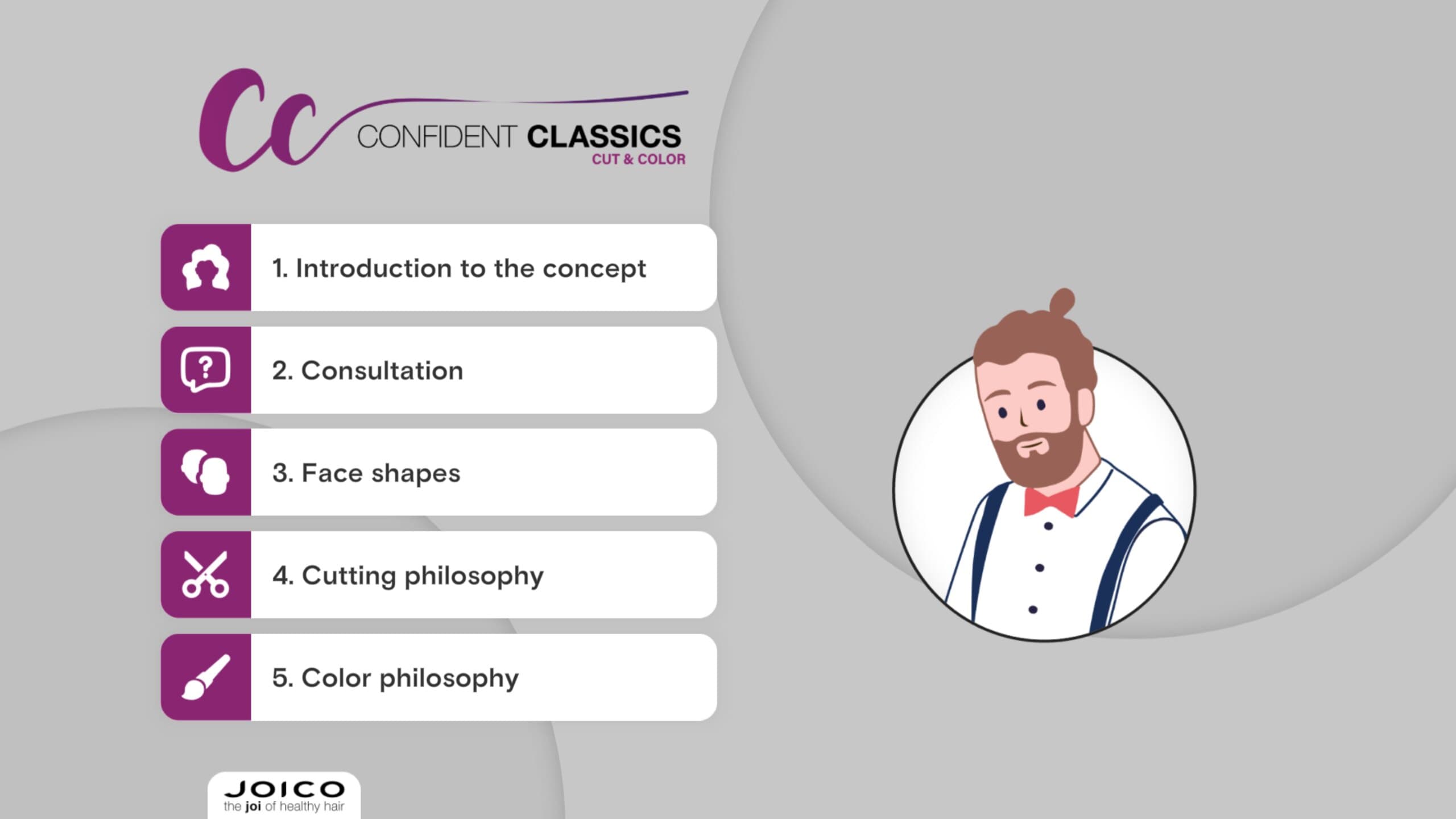
The webinar has five chapters hosted by Harry, an illustrated hairdresser, and mixes video lessons with six kinds of exercises, from quizzes to dragging hairstyles onto a face. At the end, your score is emailed to you.
04
Outcome
The webinar is live, Joico received it very well and it stays the entry point to the program through 2027. I kept reusing the drag-and-drop framework for years after, which is exactly what it was built for.
Video · 1 clip
Fig. 04 · Video
Dragging the right hairstyle onto a round face.


03 / About
Concept first, medium second
I'm Ramon, a multimedia designer based in Eindhoven. Projects start with a problem: what the thing has to do, and how someone should move through it. The answer has been a 360 film, a VR walkthrough, an explainer animation, a configurator and an AI training platform.
My part is 3D, design and code: modelling and lighting in Blender, interface and motion in XD/Illustrator and After Effects, plus the build in PlayCanvas or Next.js.